What's in the Box:
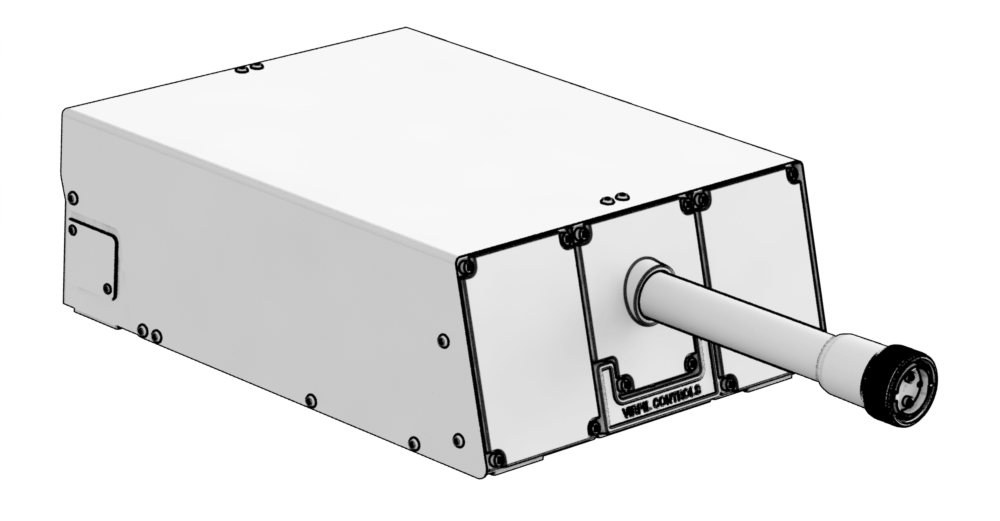
- 1 x Vector Flight Yoke Base
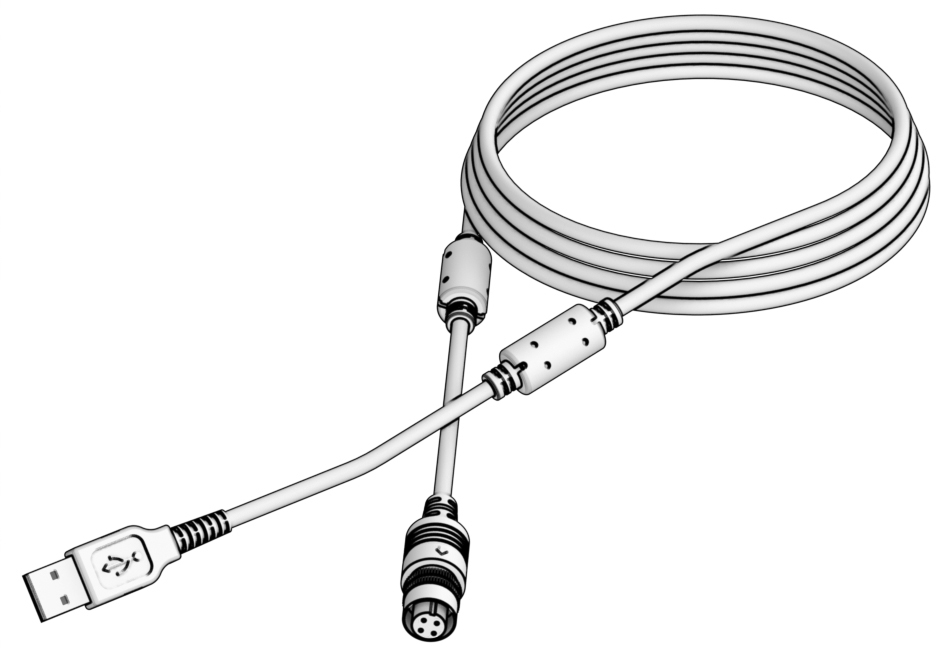
- 1 x USB cable
- 4 x Standard Pitch Spring (preinstalled)
- 4 x Reinforced Pitch Spring
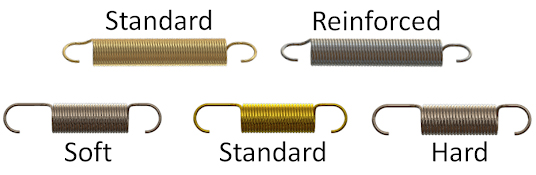
- 2 x Soft Roll Sprin
- 2 x Standard Roll Spring (preinstalled)
- 2 x Hard Roll Spring
Axis adjustment
Tools required:
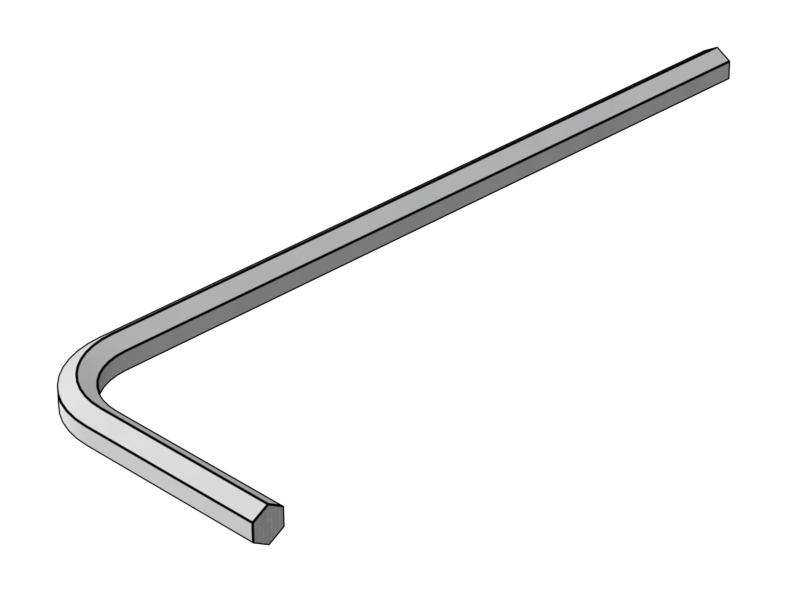
- H4 hex key (Not included)
- H3 hex key (Not included)
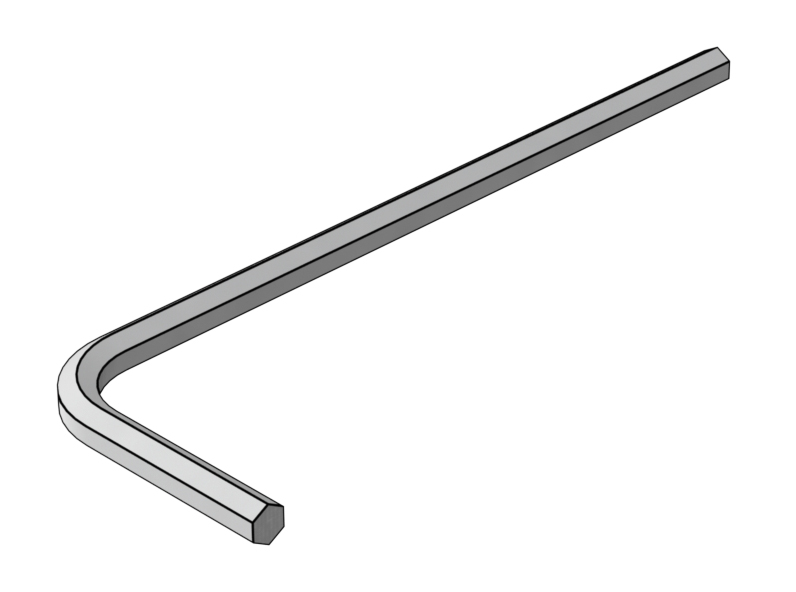
- H2.5 hex key (Not included)
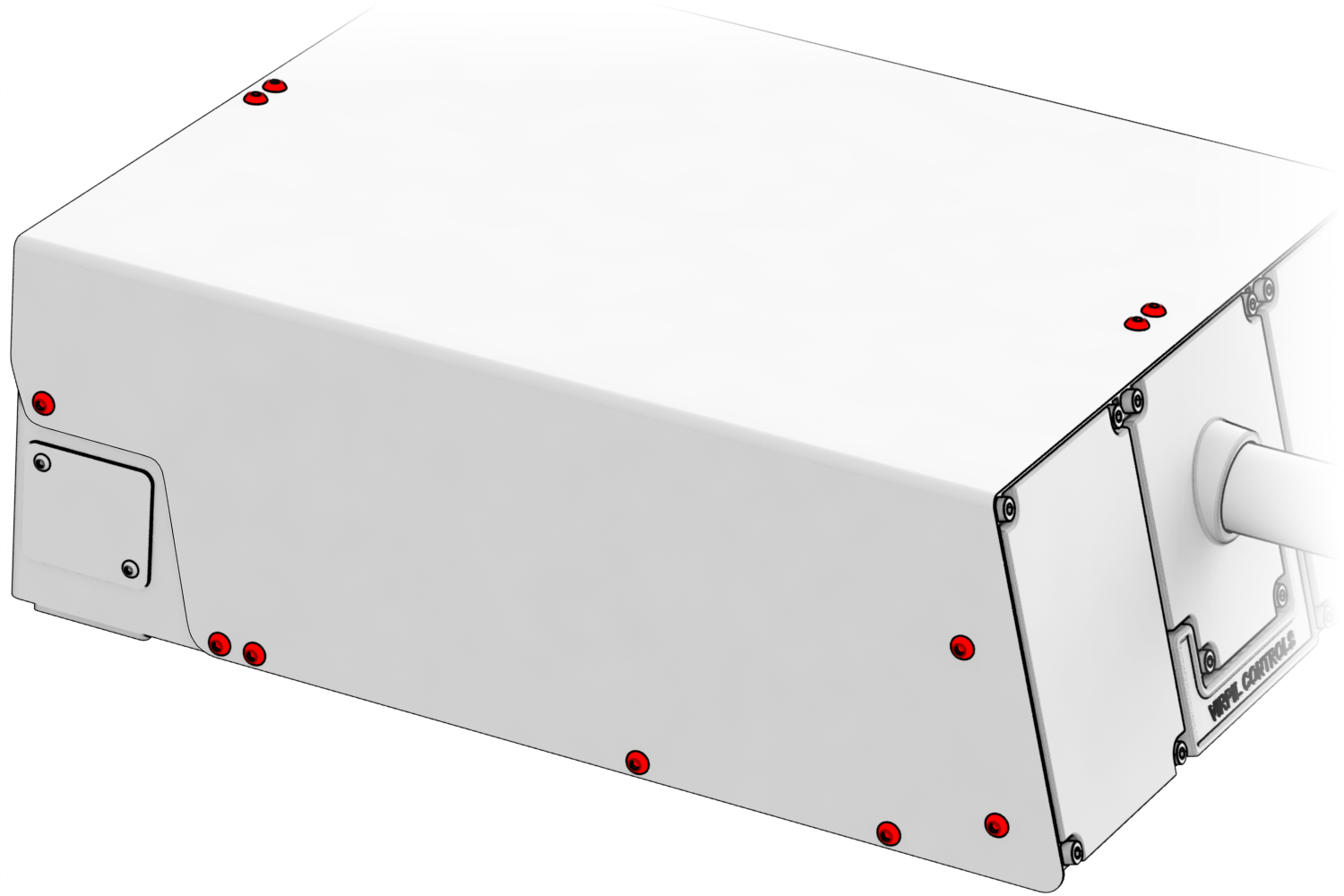
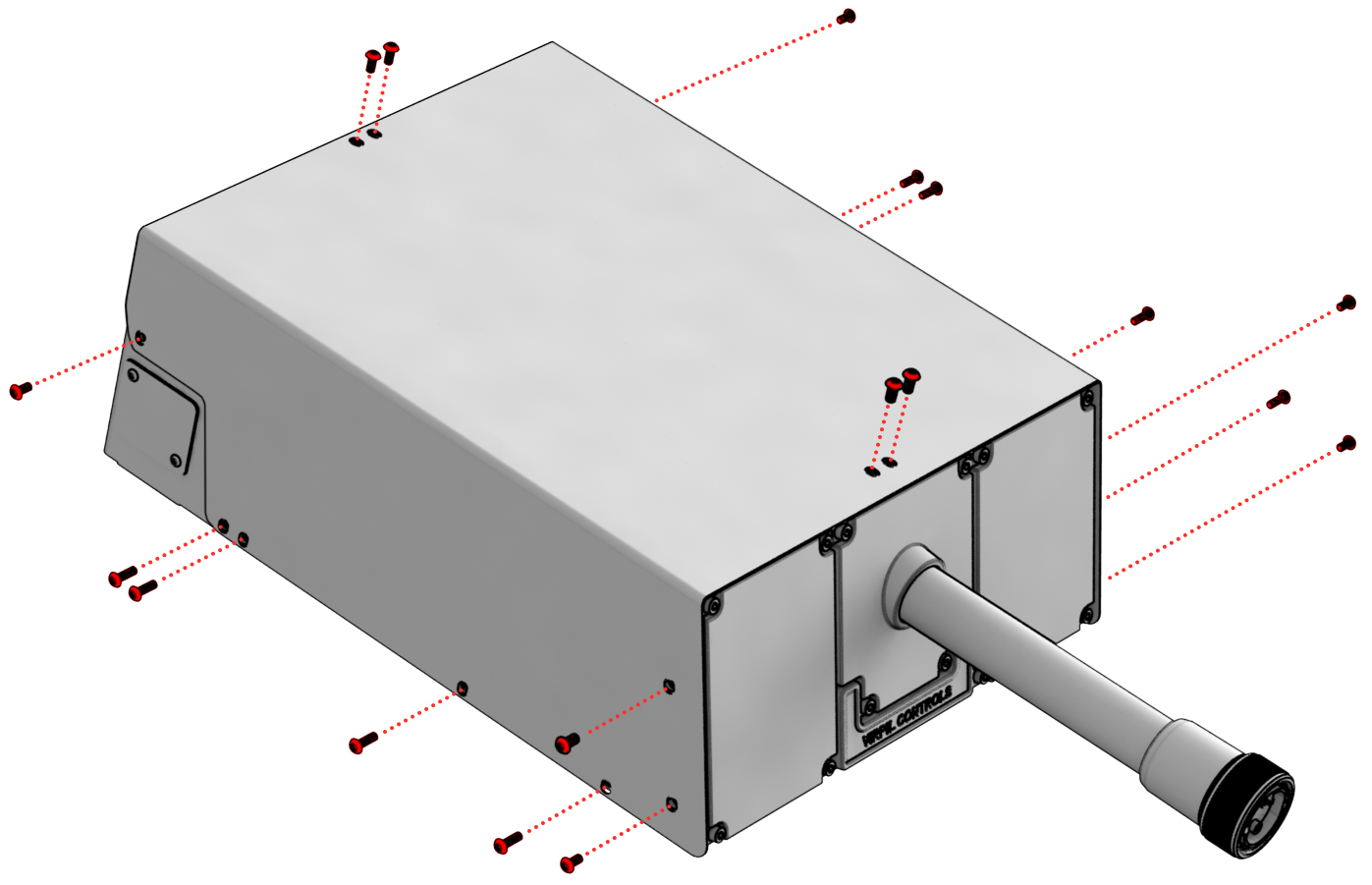
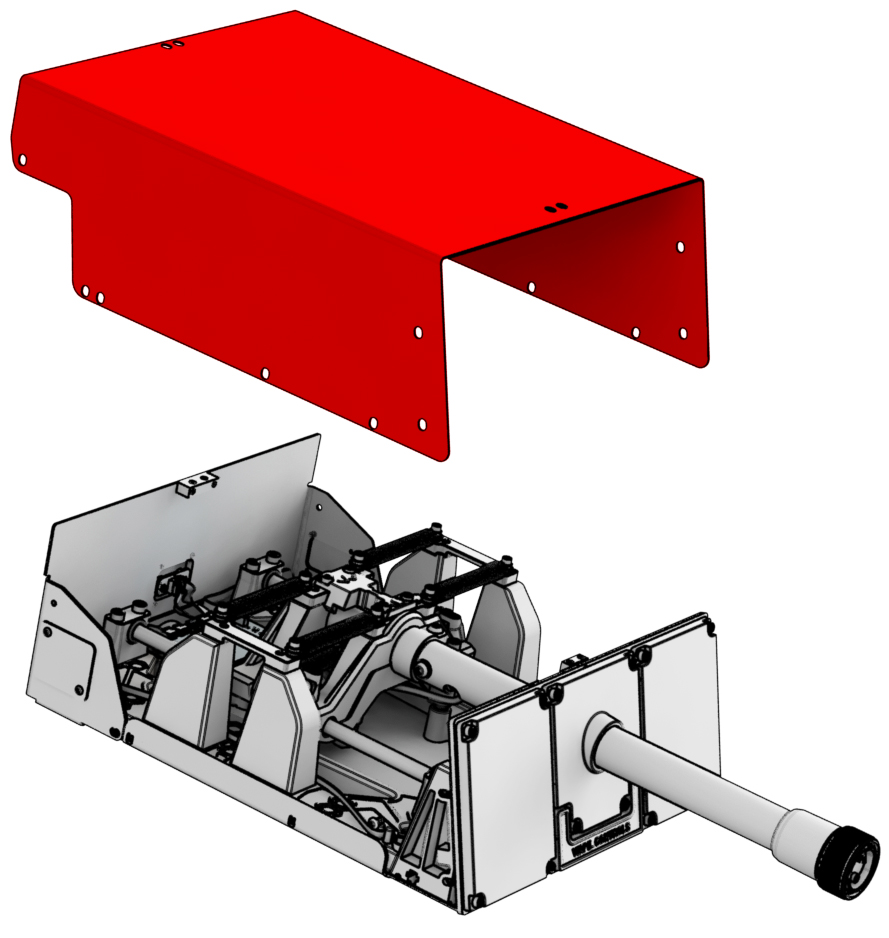
1. Unscrew the highlighted screws using H2.5 hex key and remove the housing.
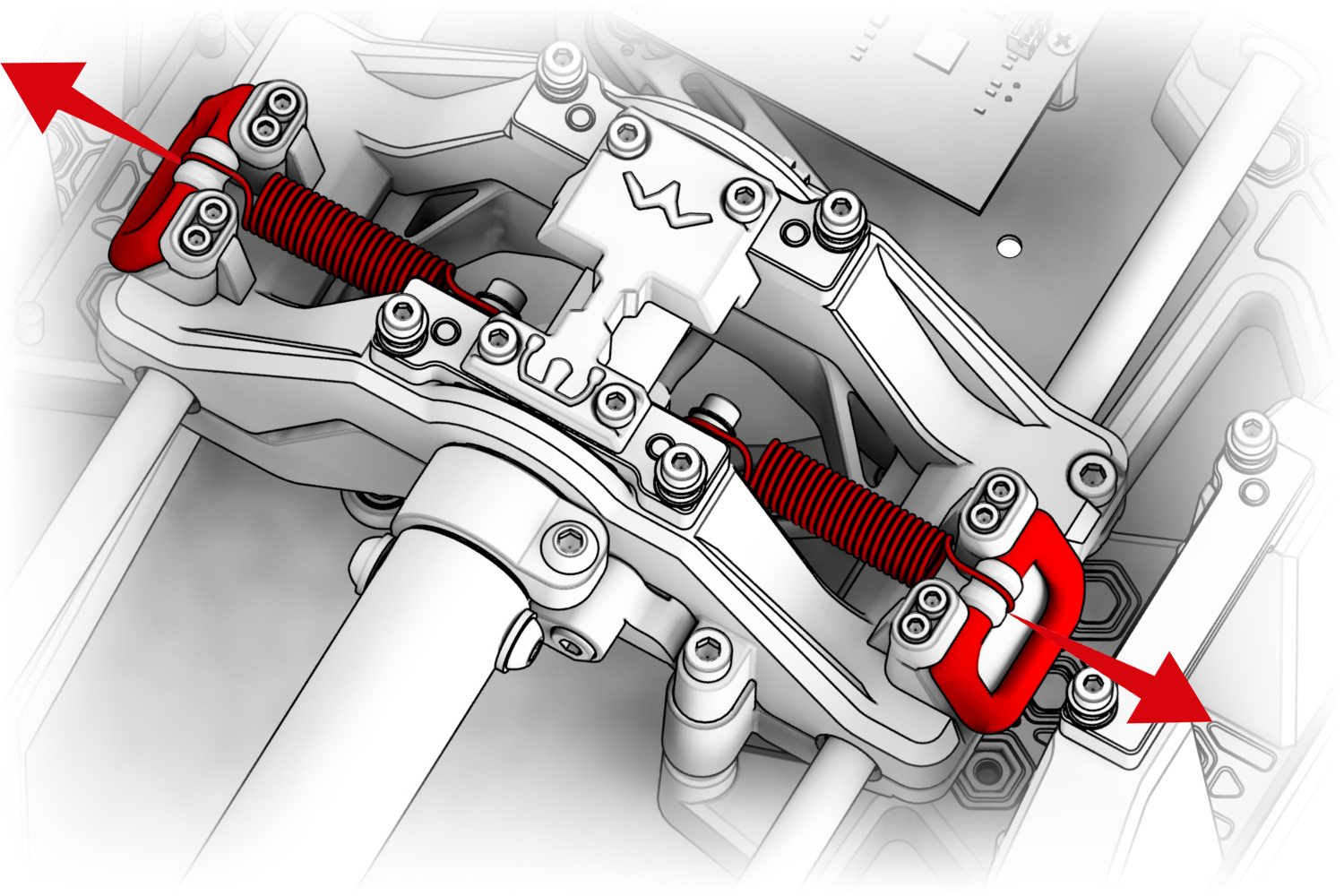
2. Remove the highlighted springs to install springs for adjusting the desired pitch stiffness.
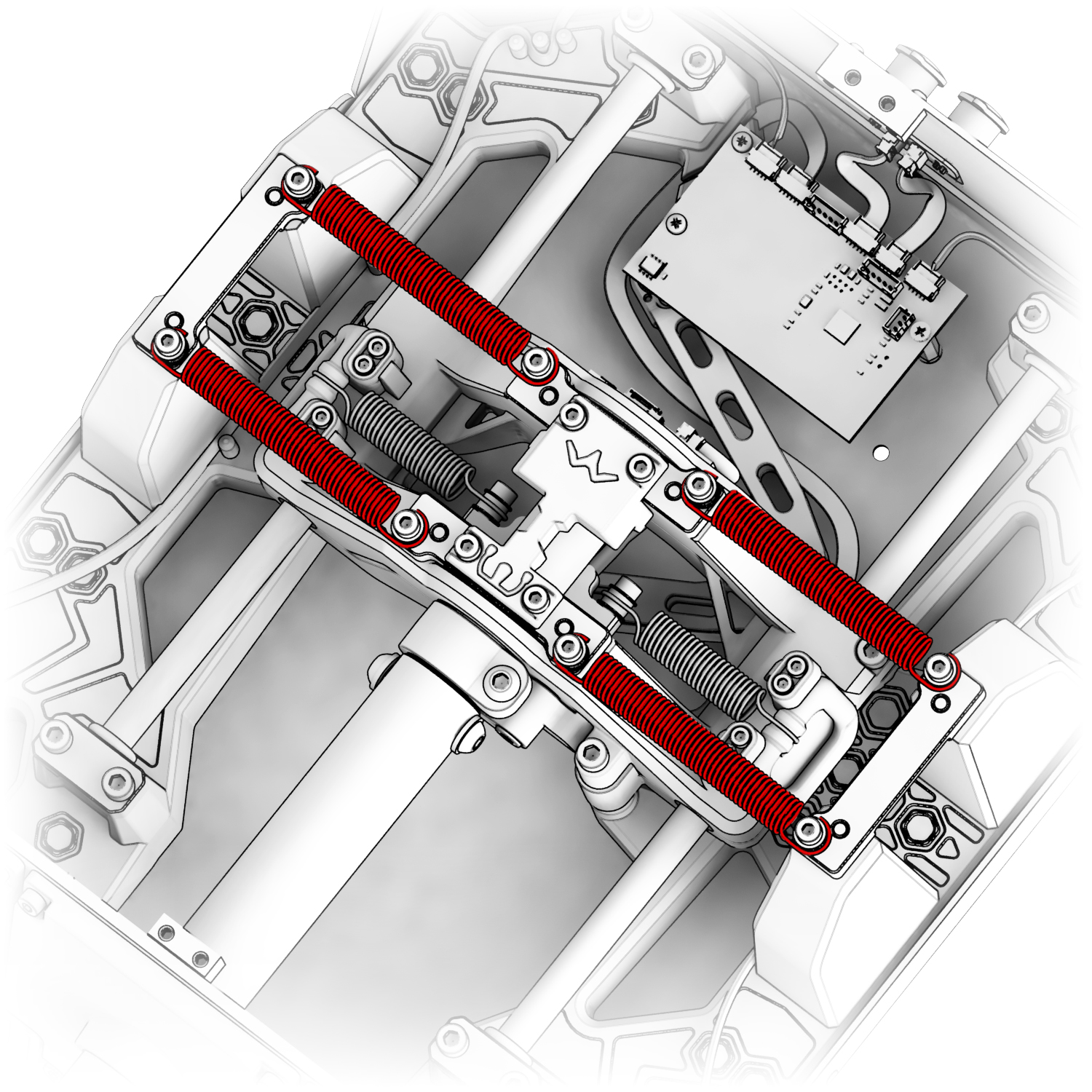
3. To release and replace the roll axis springs, pull the red locks.
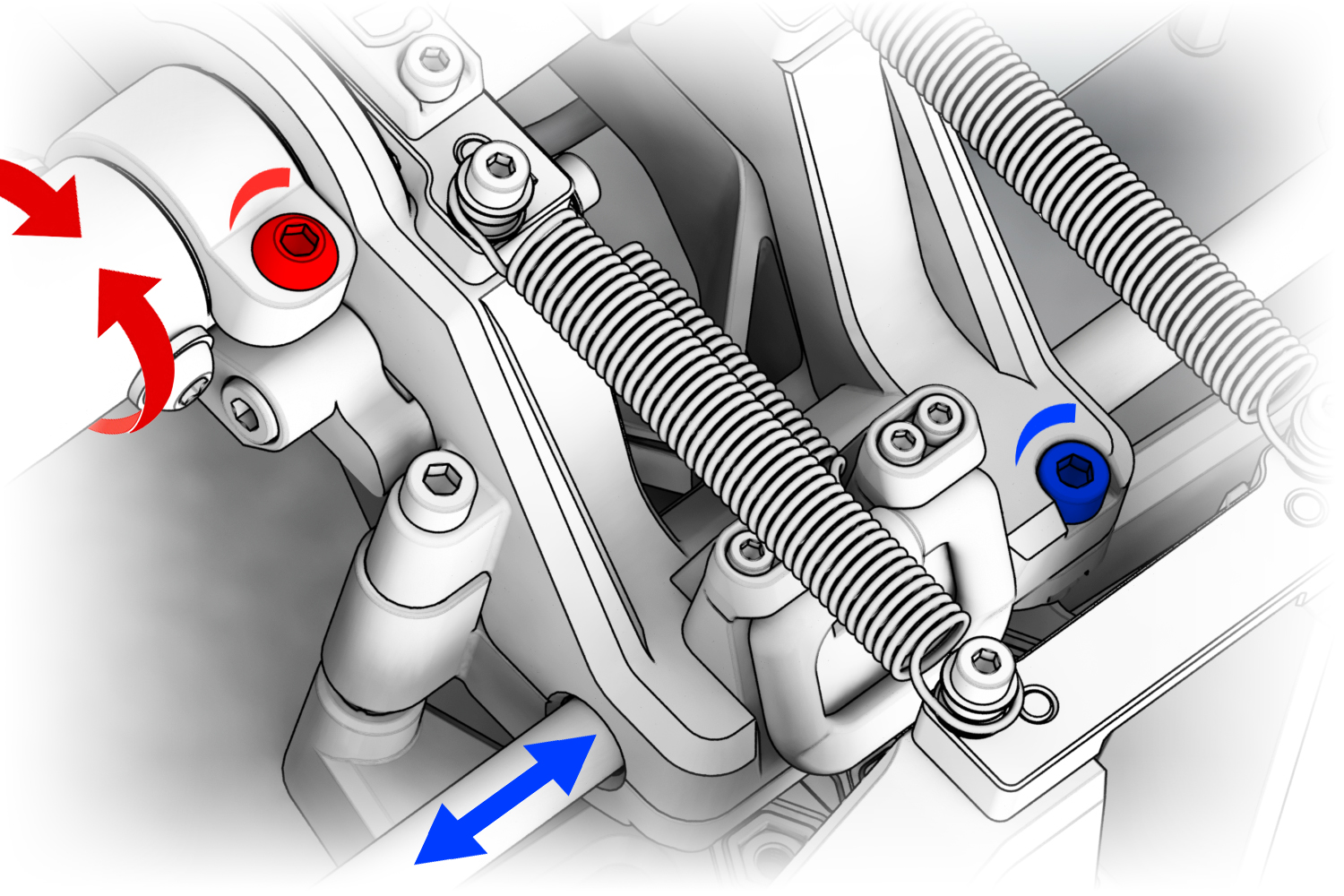
4. Adjust the roll and pitch resistance using the highlighted screws with H4 hex key.
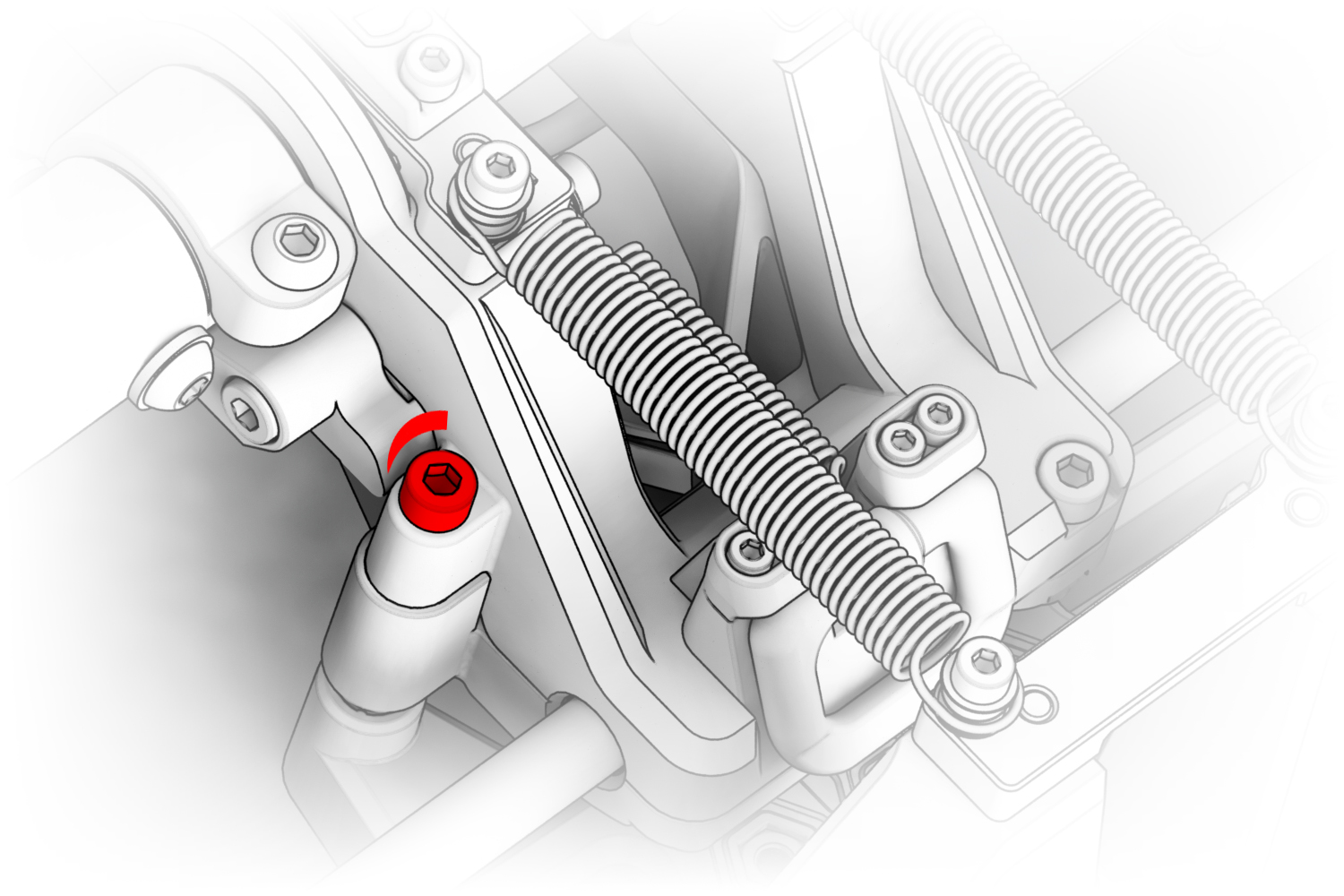
5. Adjust the intensity of the central position using the highlighted screw with H4 hex key.
6. Unscrew the highlighted screws with an H3 hex key and set the roll limiter to the desired position.
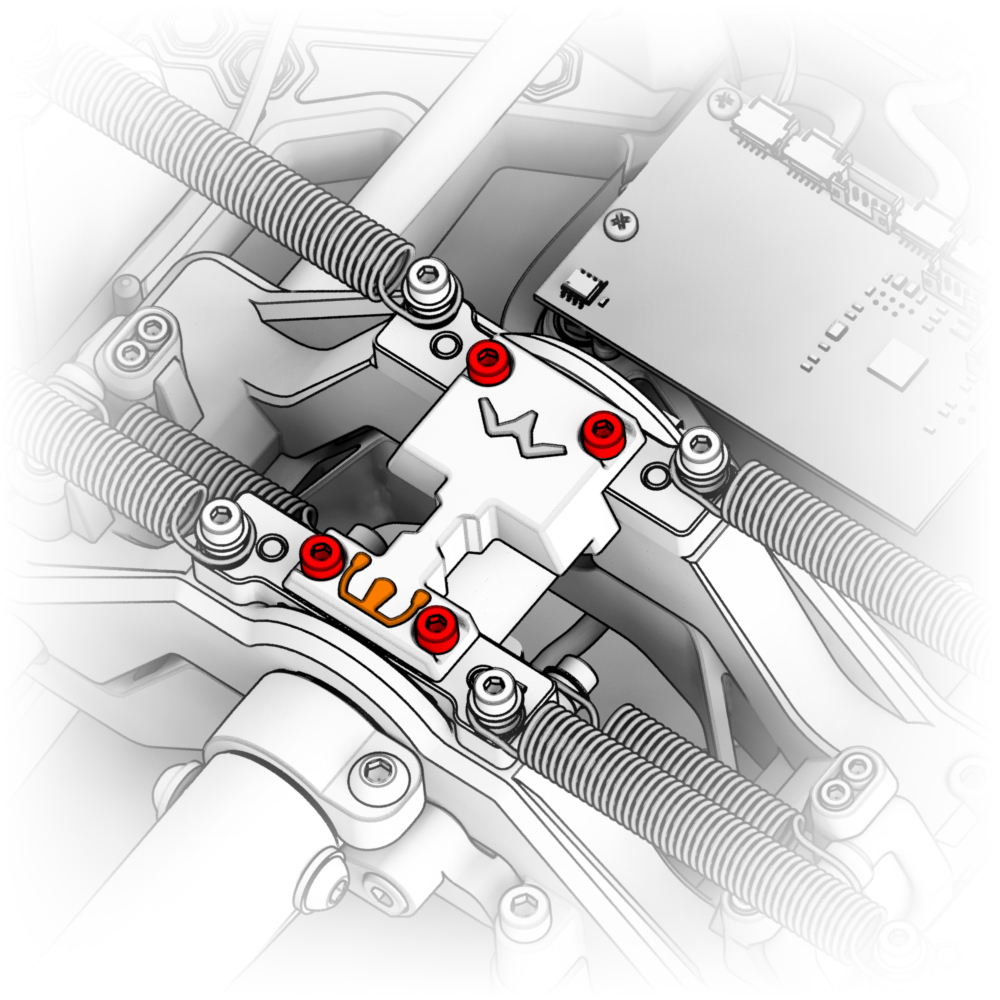
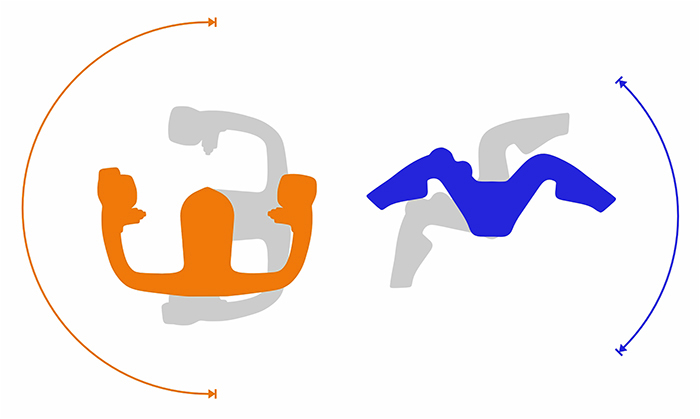
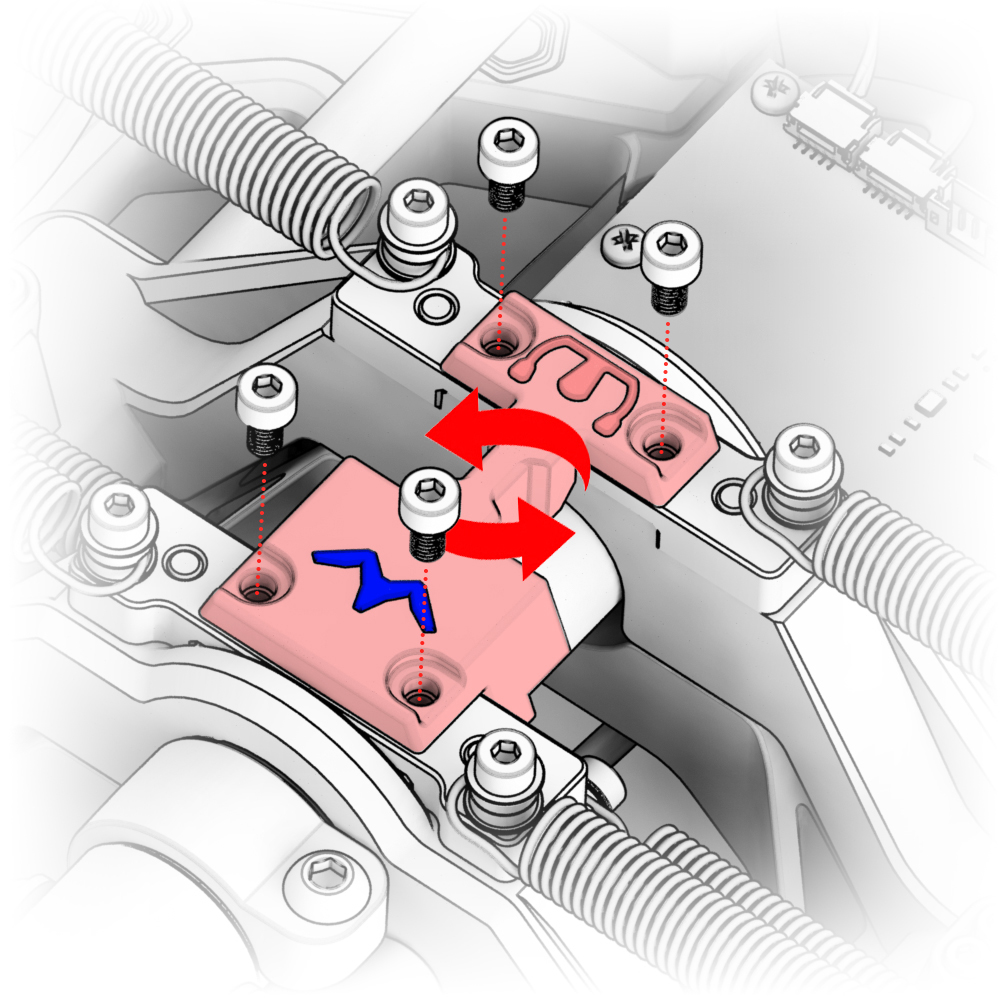
7. Put the housing back in place and secure it with the screws.
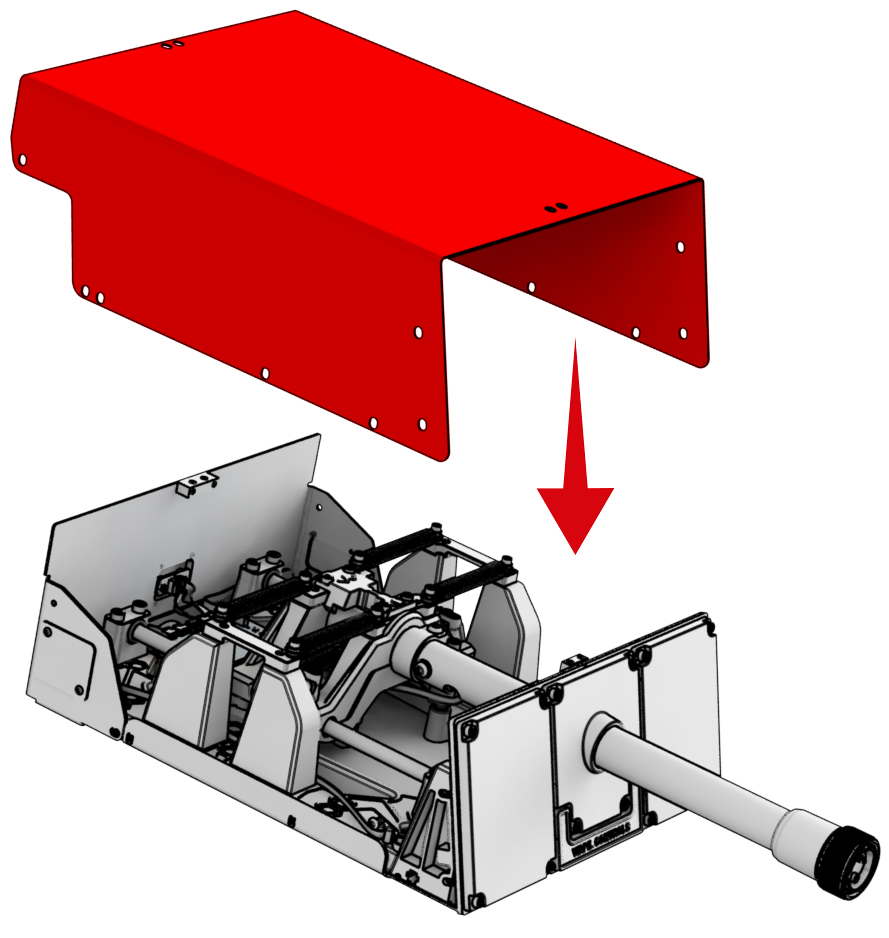
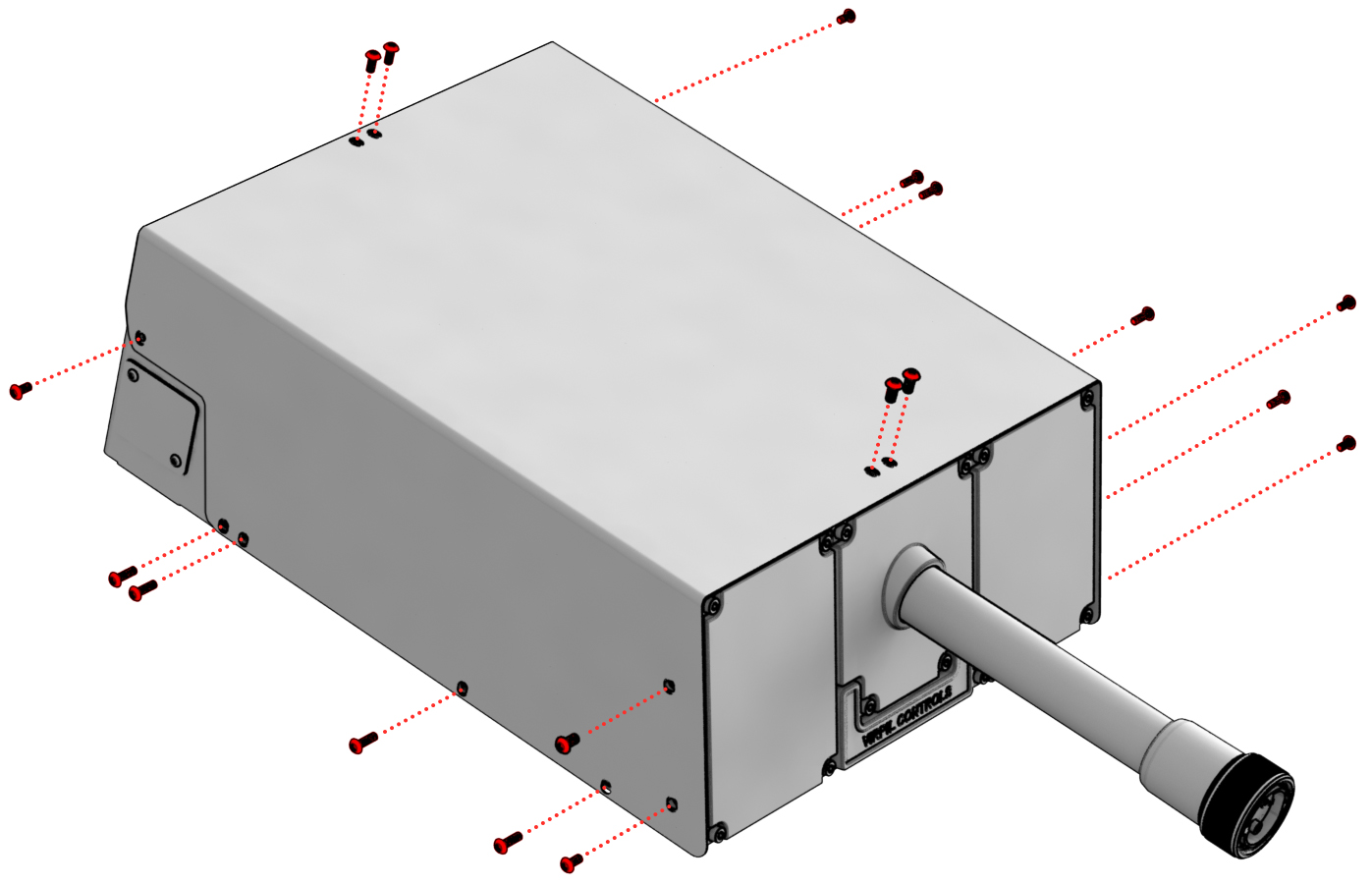
Table mounting
Variant 1
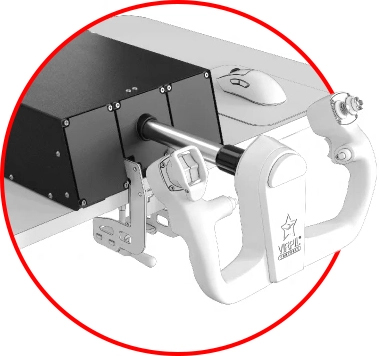
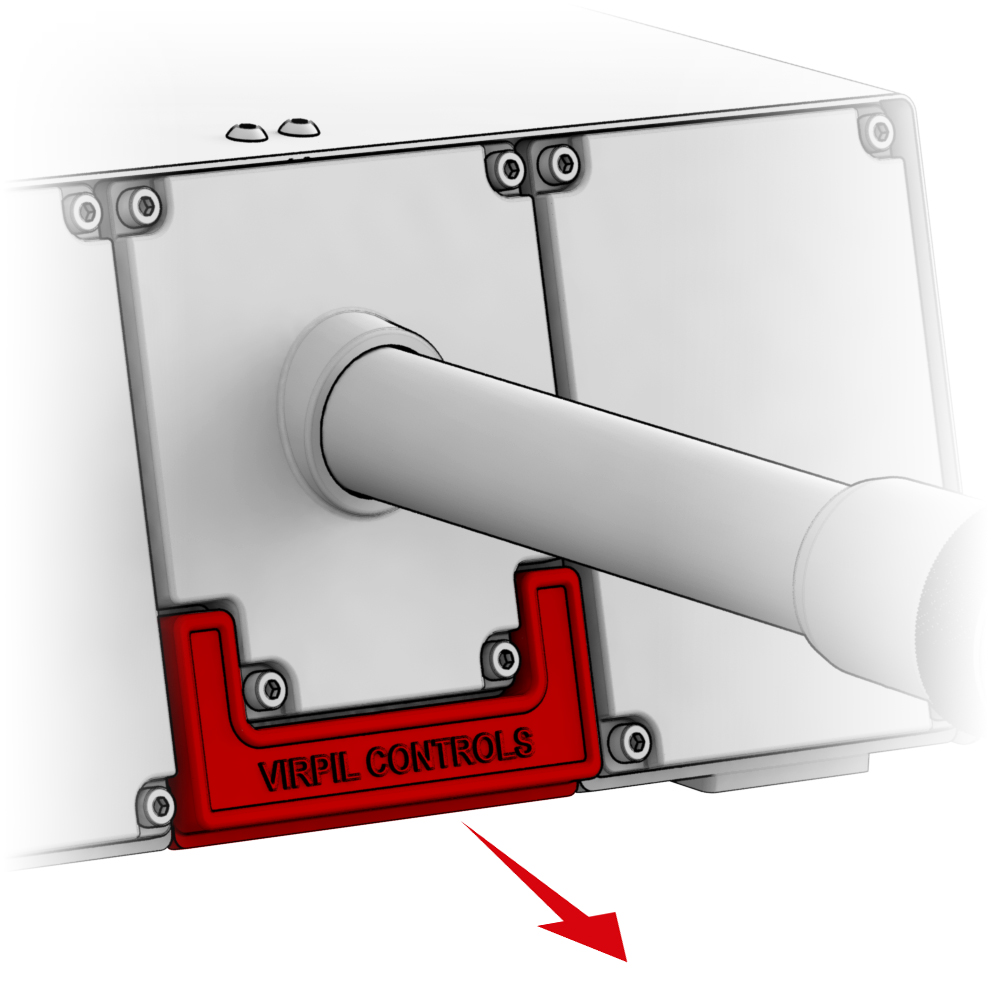
1. Remove the plug on the front of the base.
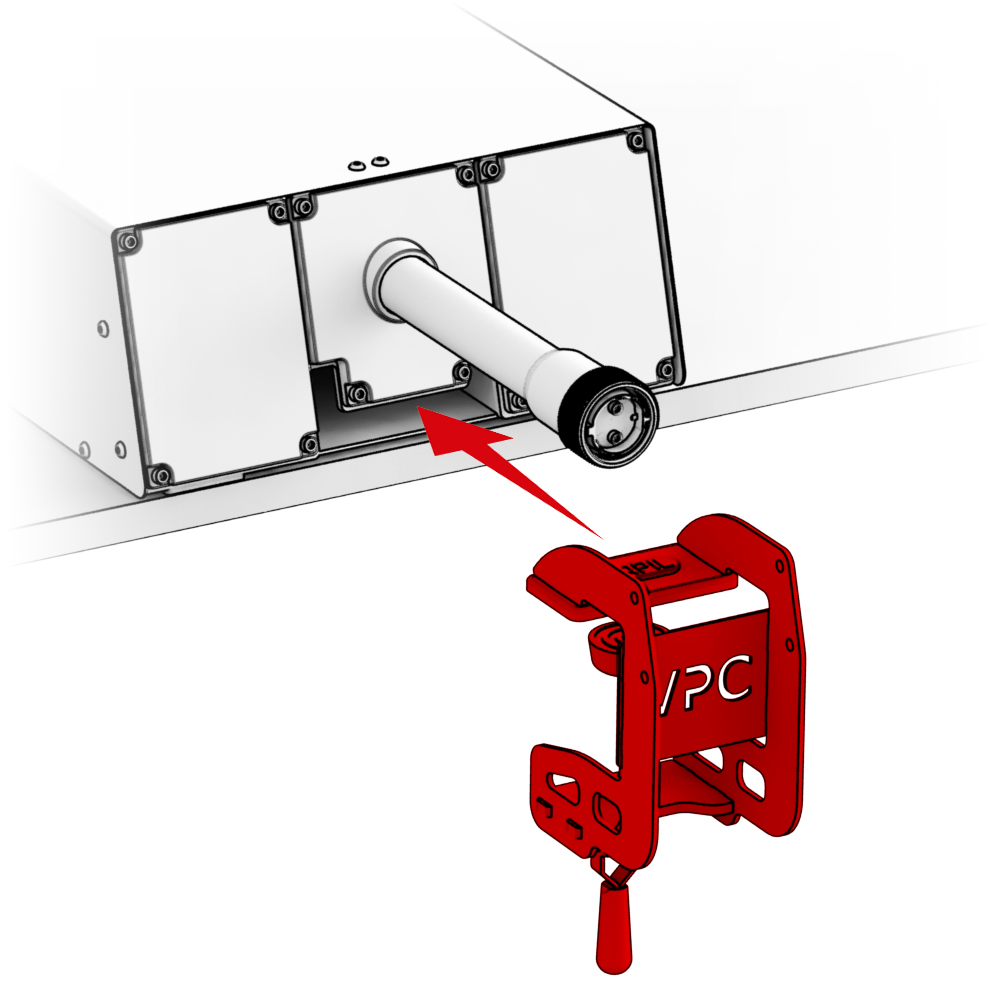
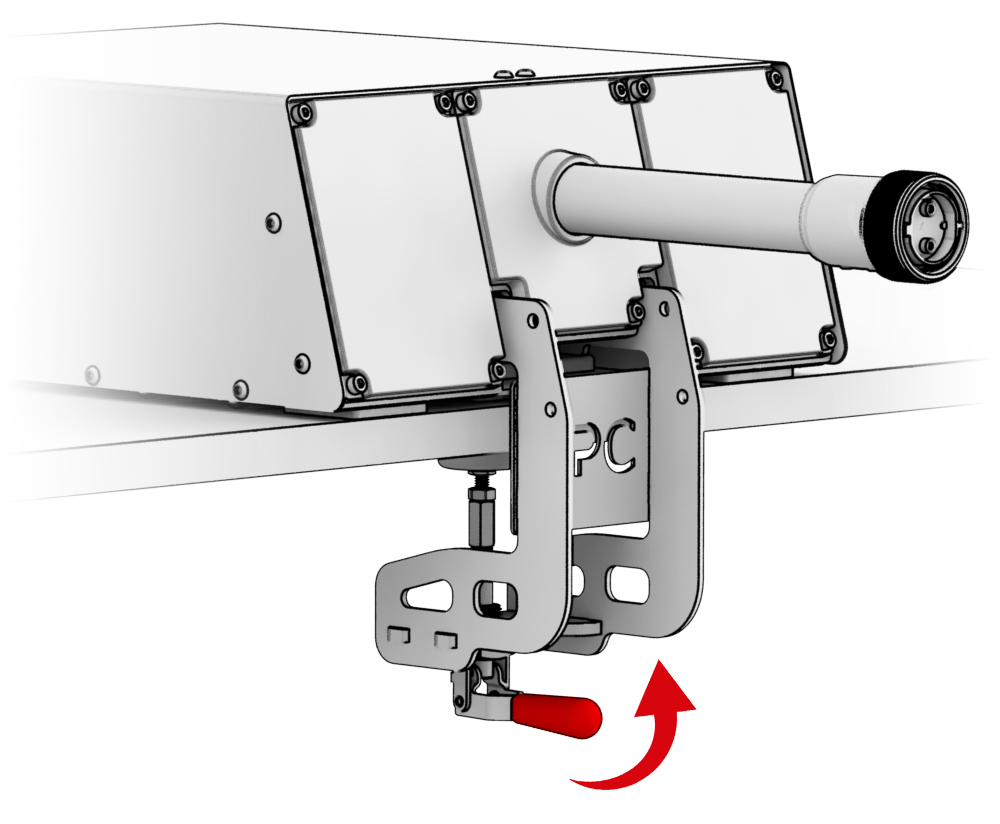
2. Place the base on the edge of the table and secure it with Vector Desk Mount
Important! Adjust the clamp to apply slight pressure to avoid deforming the base’s bottom cover, which could negatively affect the smooth operation of the mechanism.
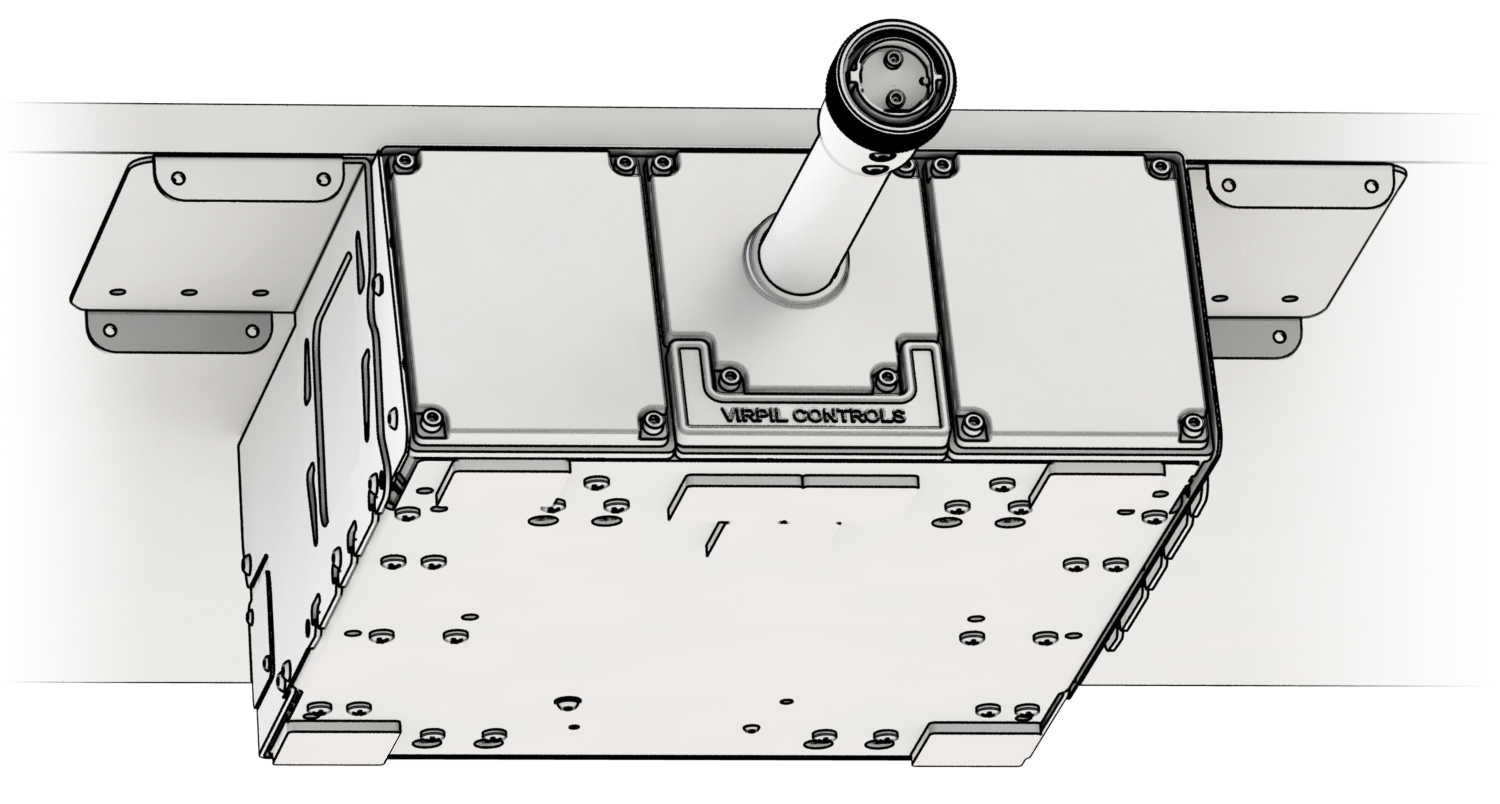
Variant 2
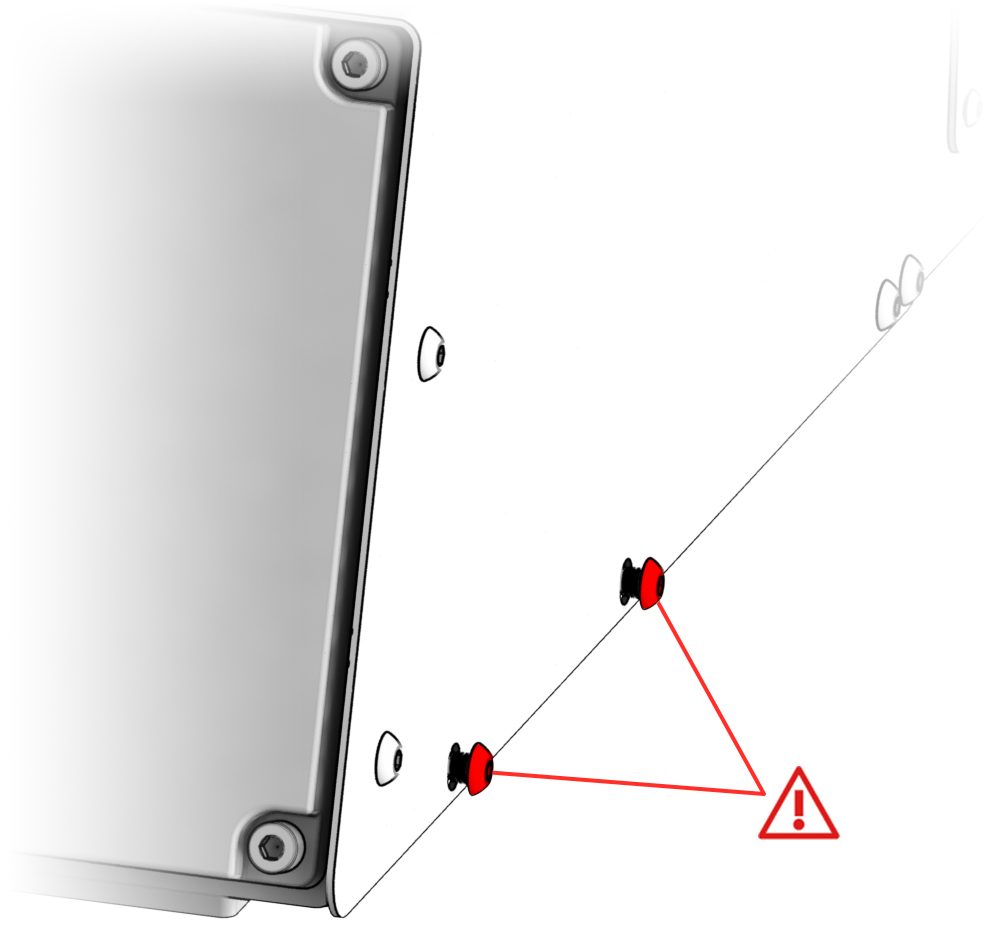
1. Unscrew the highlighted screws on the sides of the base by 3-4 mm using H2.5 hex key (not included).
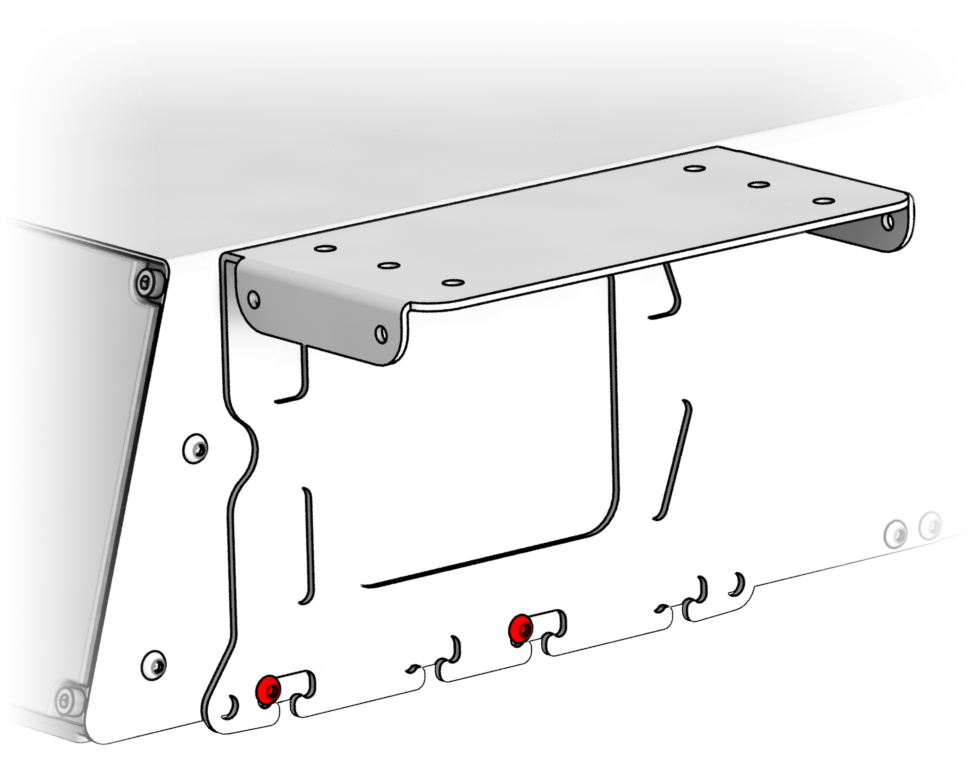
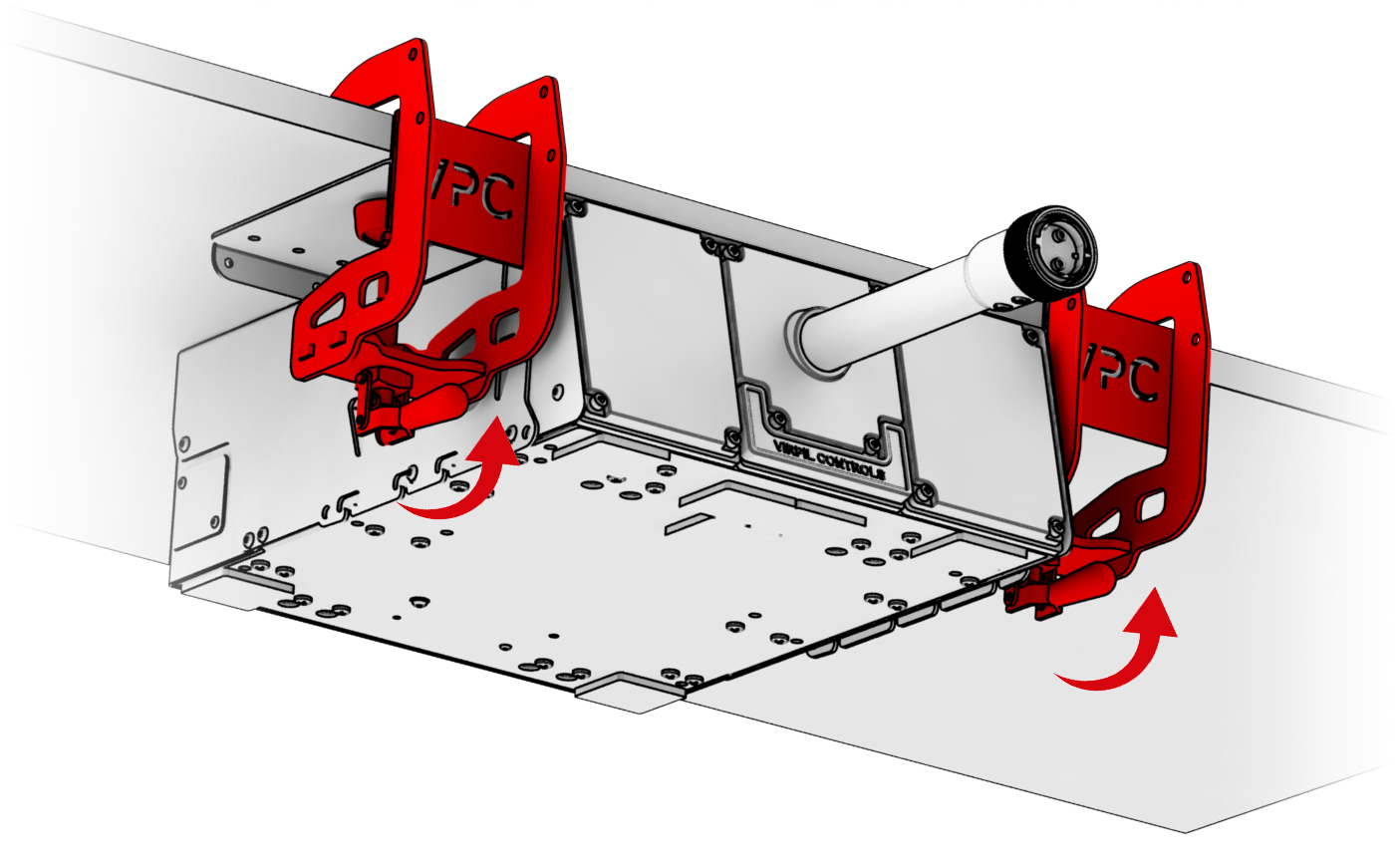
2. Install the corner brackets from Vector Dual Desk Mount and secure them.
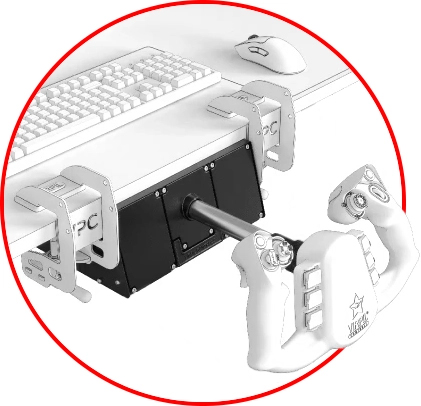
3. Install the base beneath the lower edge of the table and secure it with Vector Dual Desk Mount
Variant 3
Install the base in your cockpit and secure it with M5 screws using the designated holes in the bottom cover of the housing.
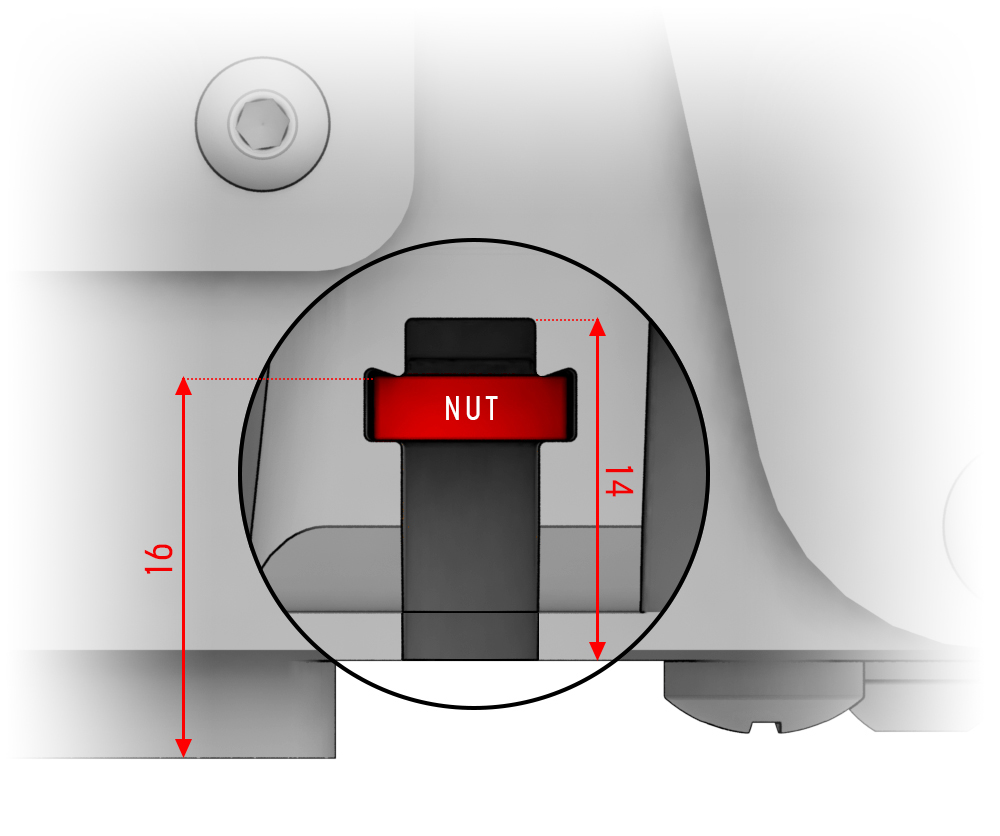
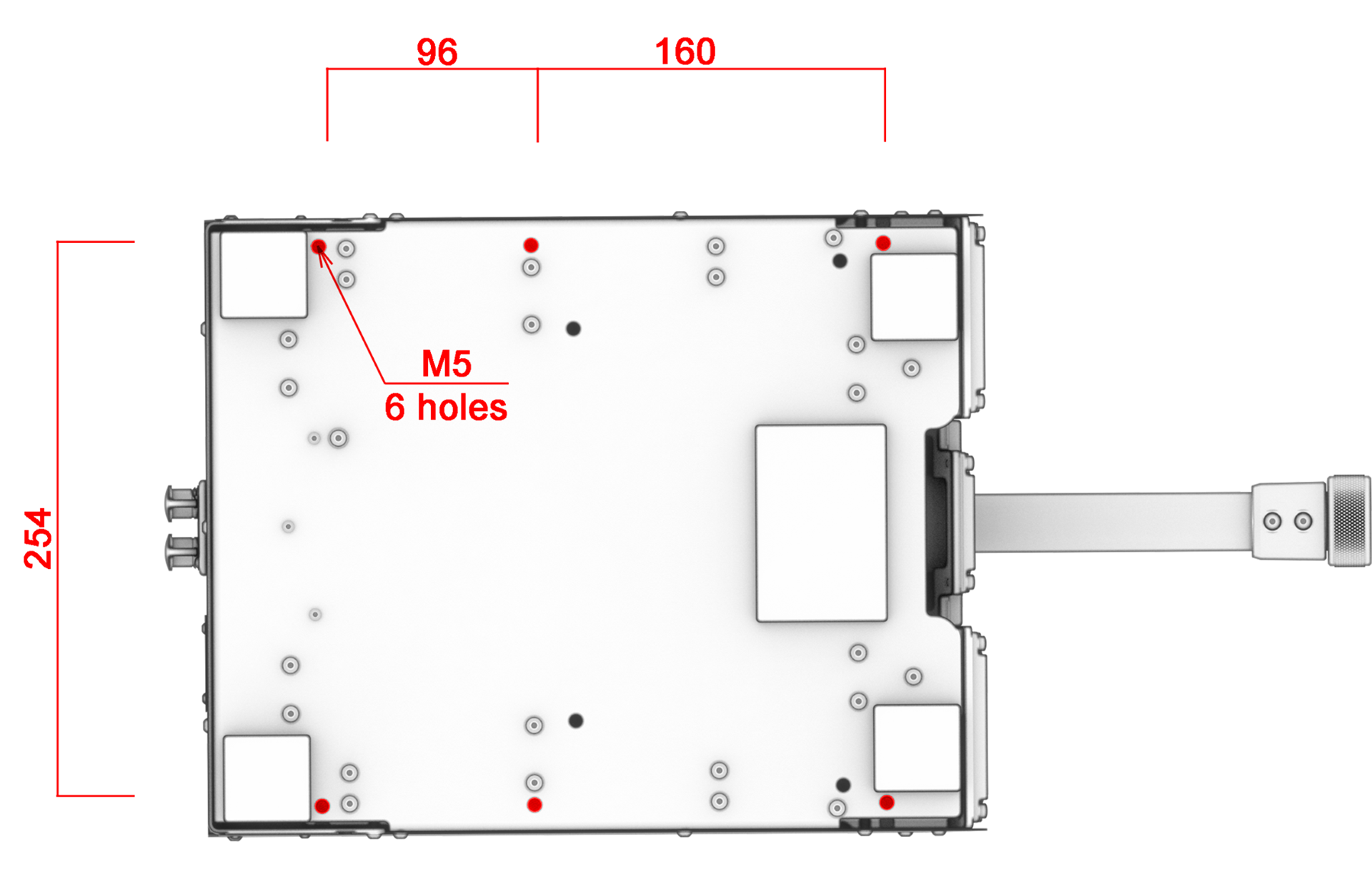 Attention! When fixing the device to a surface using holes with M5 nuts in the bottom cover, the screw-in depth should not exceed 14 mm.
Select the correct screw length!
Troubleshooting
Please visit the VIRPIL Controls support portal for troubleshooting advice. If you are still experiencing issues or unable to find answers to your specific question, please create a ticket on our support portal!
Was this article helpful?
That’s Great!
Thank you for your feedback
Sorry! We couldn't be helpful
Thank you for your feedback
Feedback sent
We appreciate your effort and will try to fix the article