What's in the Box:
- 1 x Vector Engine MCP
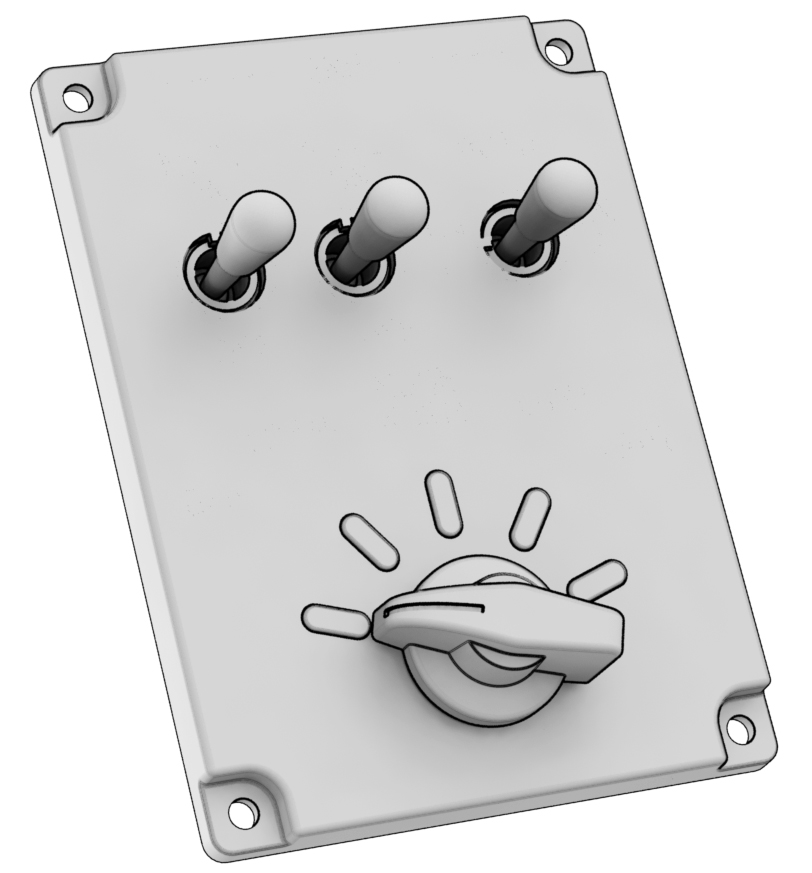
Installing on Vector Flight Yoke Base
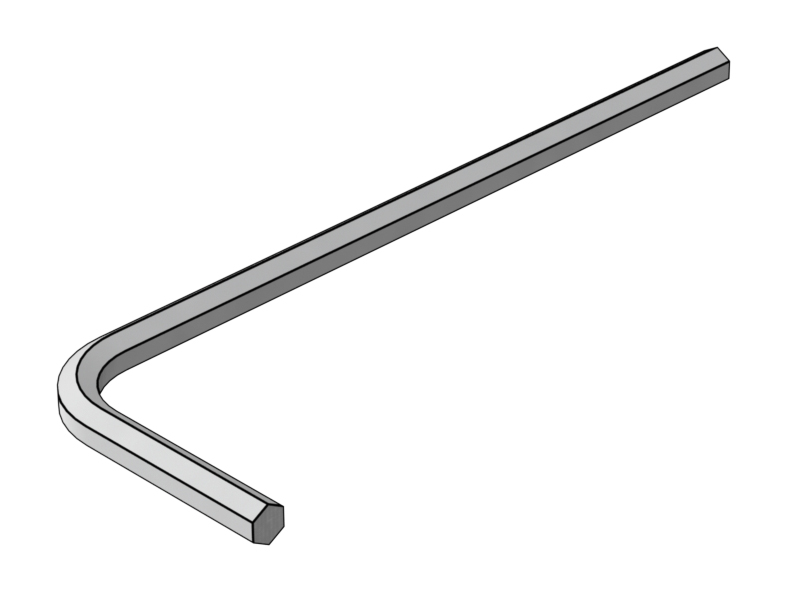
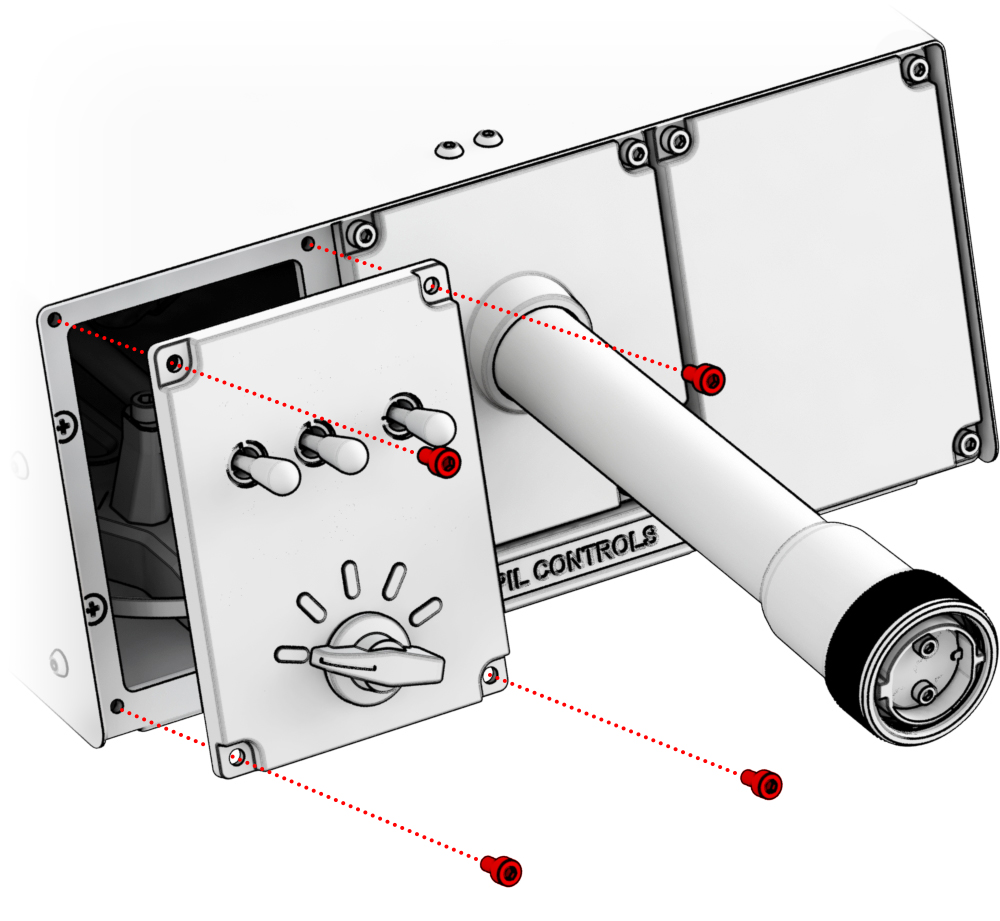
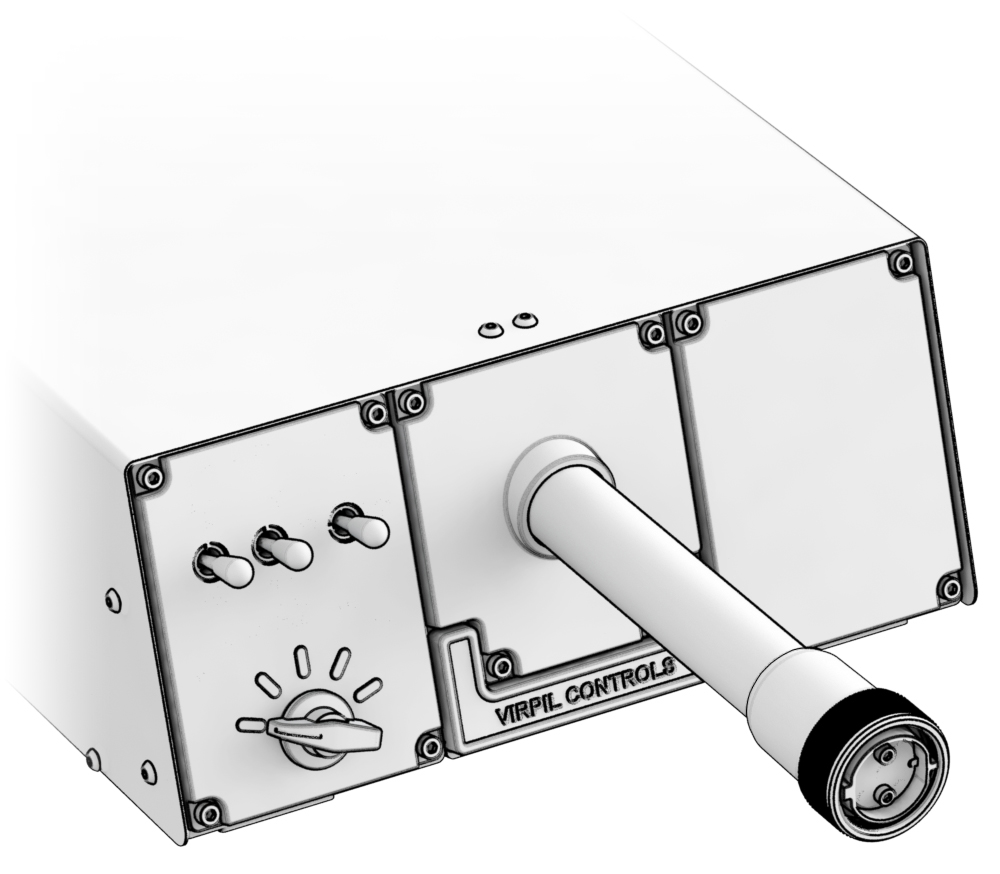 1. Unscrew the highlighted screws from the desired side using an H3 hex key (not included).
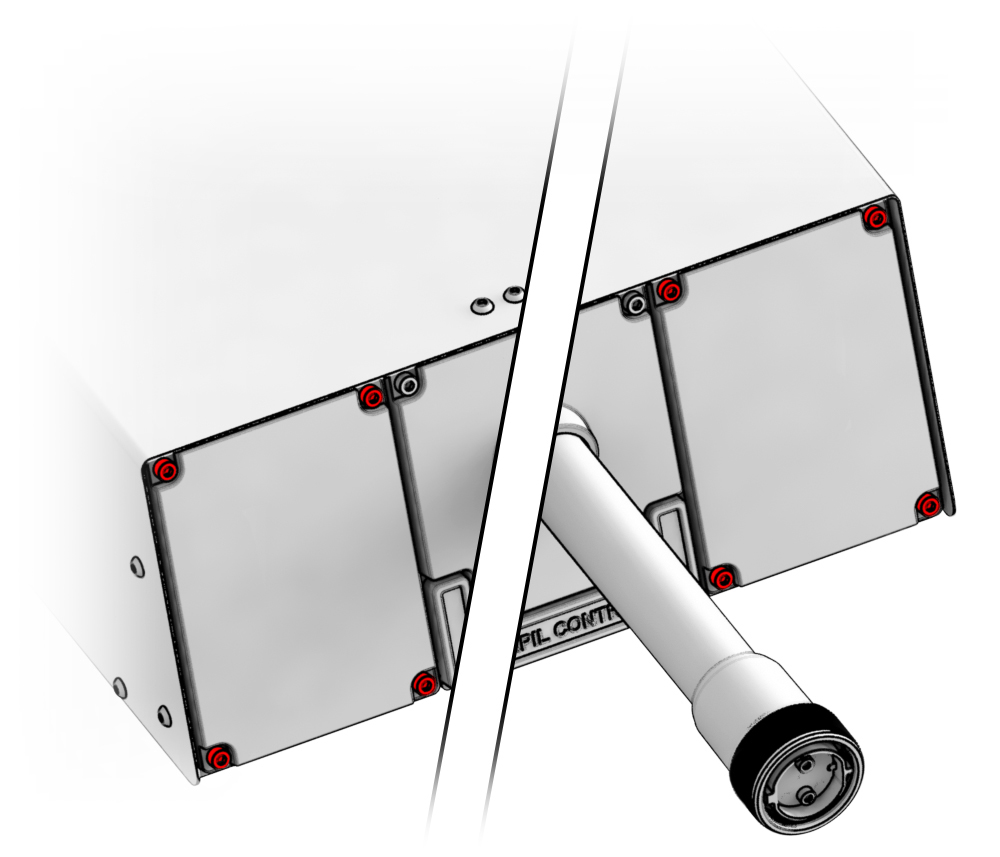
2. Extract the cable and carefully connect it to the connector of the panel.
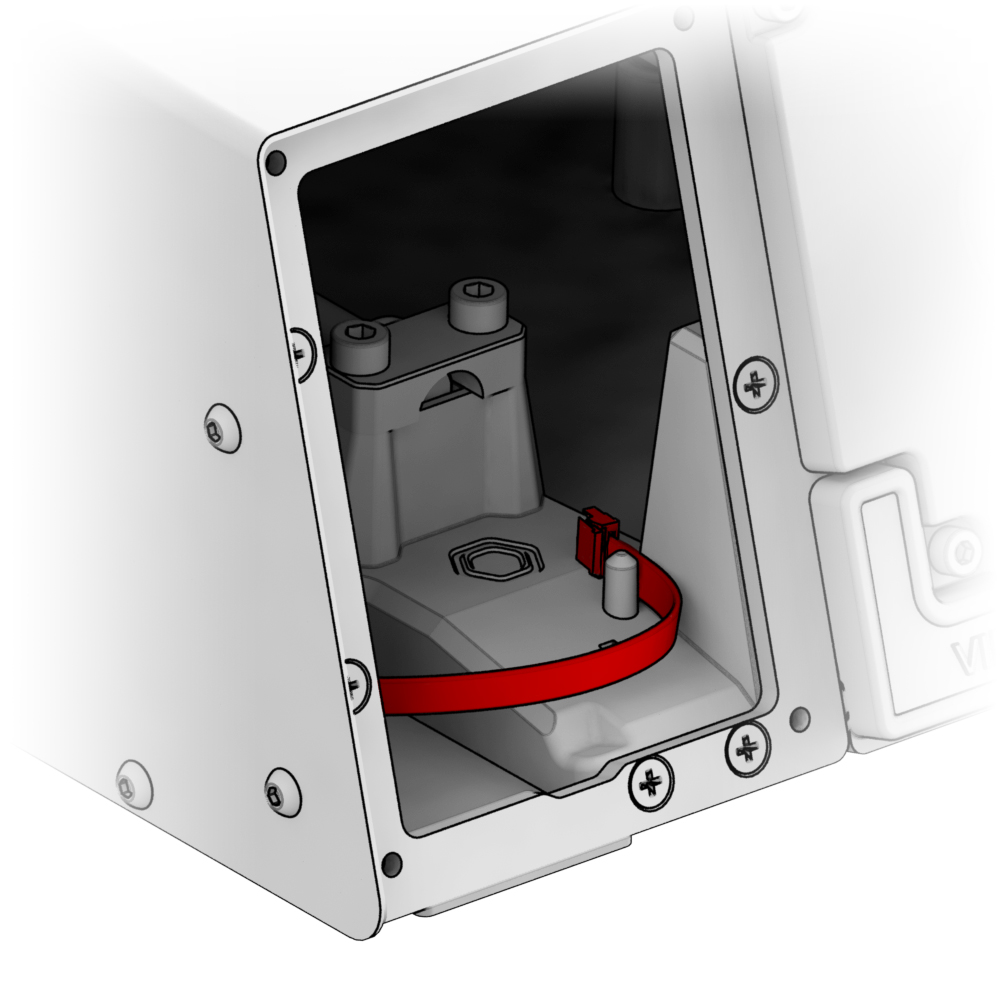
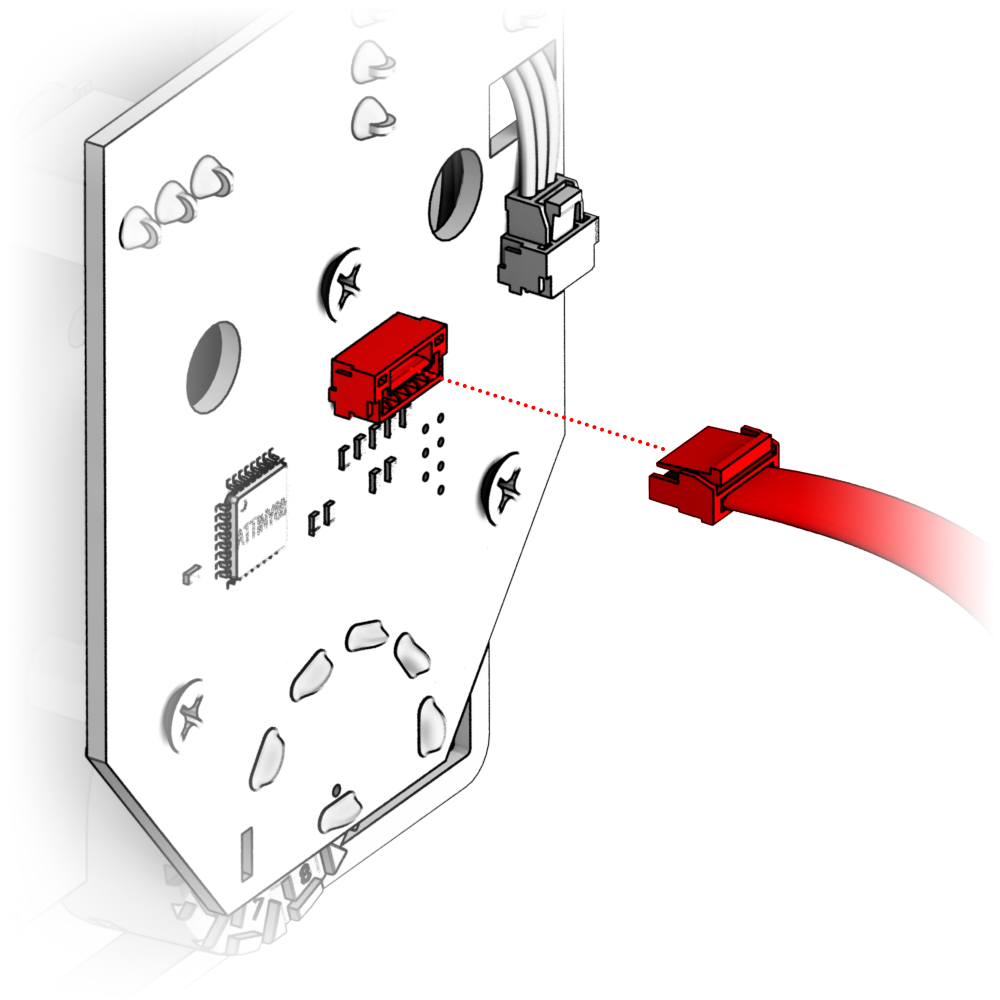
3. Install the panel and secure it with the same screws.
Troubleshooting
Please visit the VIRPIL Controls support portal for troubleshooting advice. If you are still experiencing issues or unable to find answers to your specific question, please create a ticket on our support portal!
Was this article helpful?
That’s Great!
Thank you for your feedback
Sorry! We couldn't be helpful
Thank you for your feedback
Feedback sent
We appreciate your effort and will try to fix the article