What's in the Box:
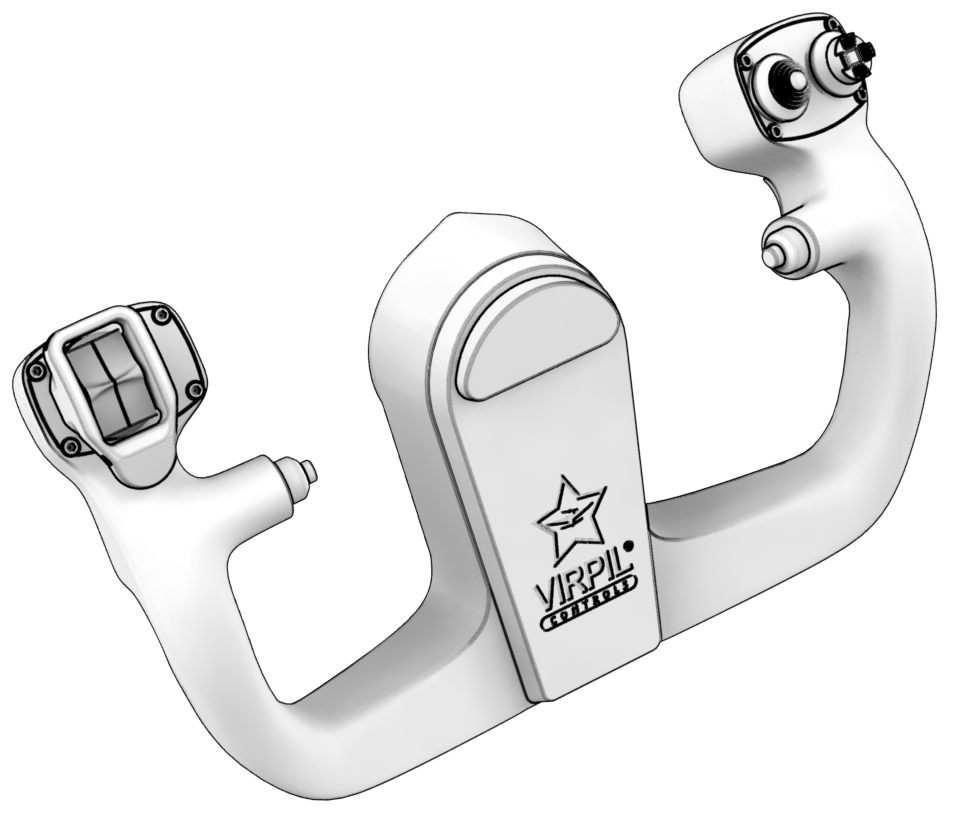
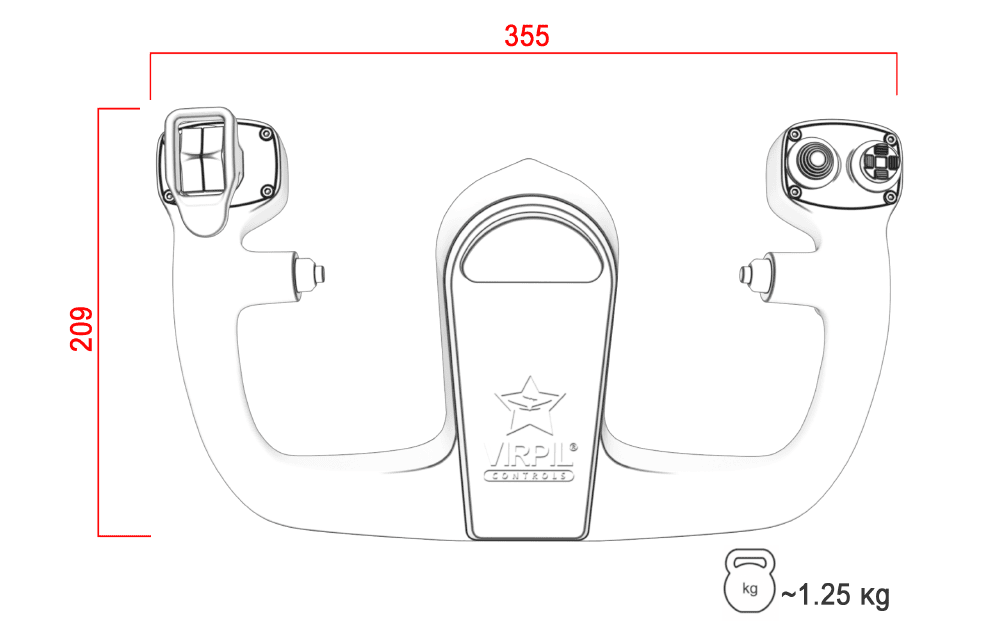
- 1 x B-JET Yoke
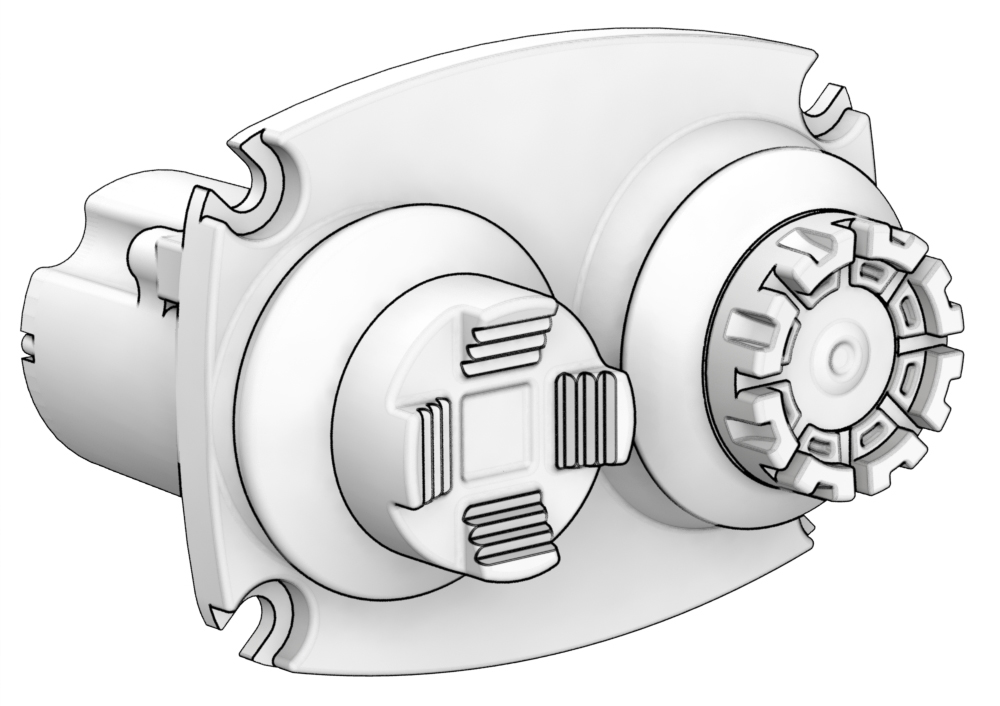
- 1 x Mini Stick Module (OPTIONAL)
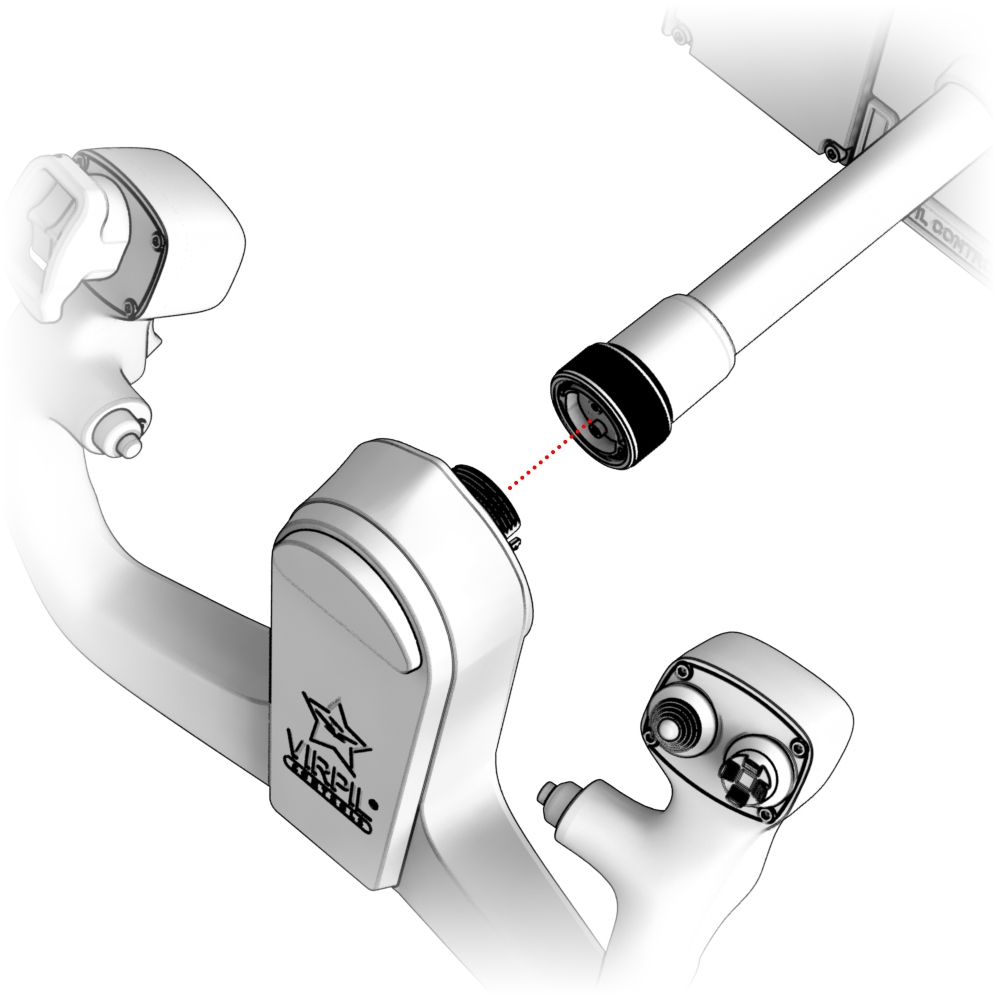
Attaching the Grip
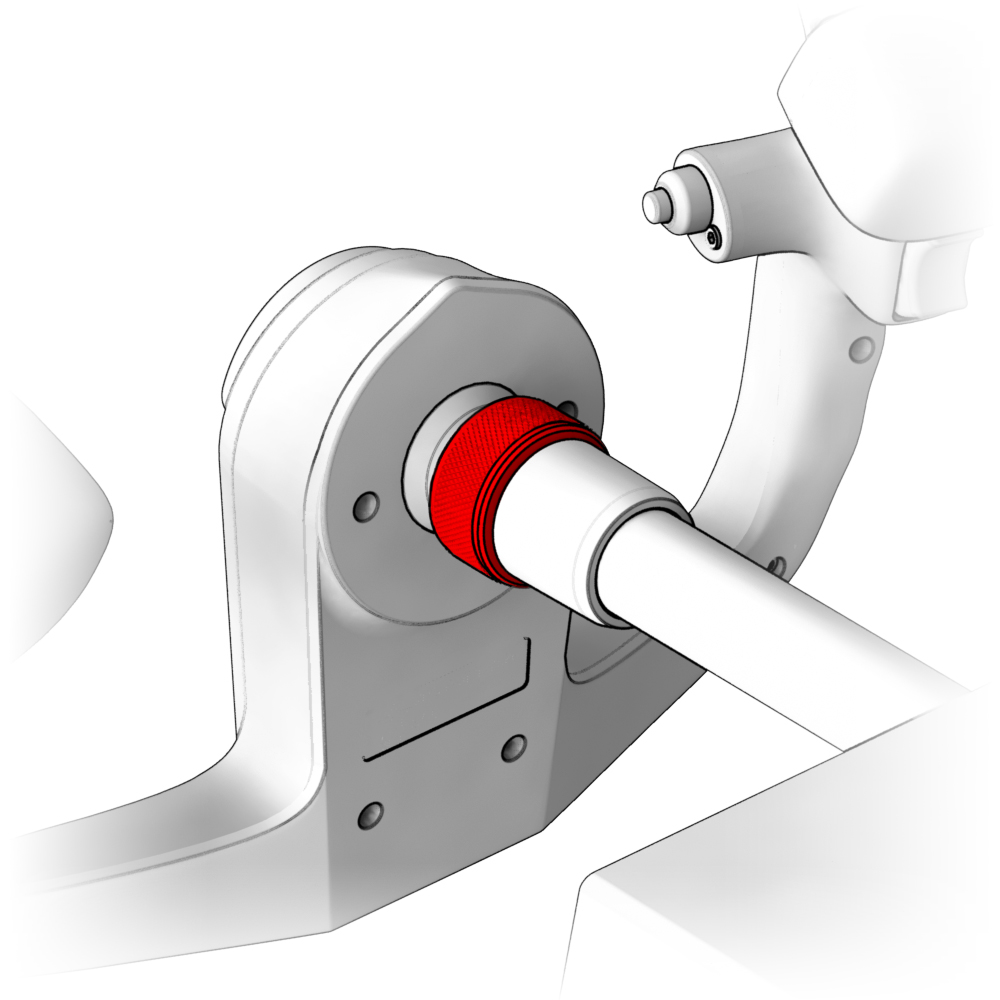
1. Install B-JET Yoke onto the base shaft and secure it with the screw collar.
Module replacement
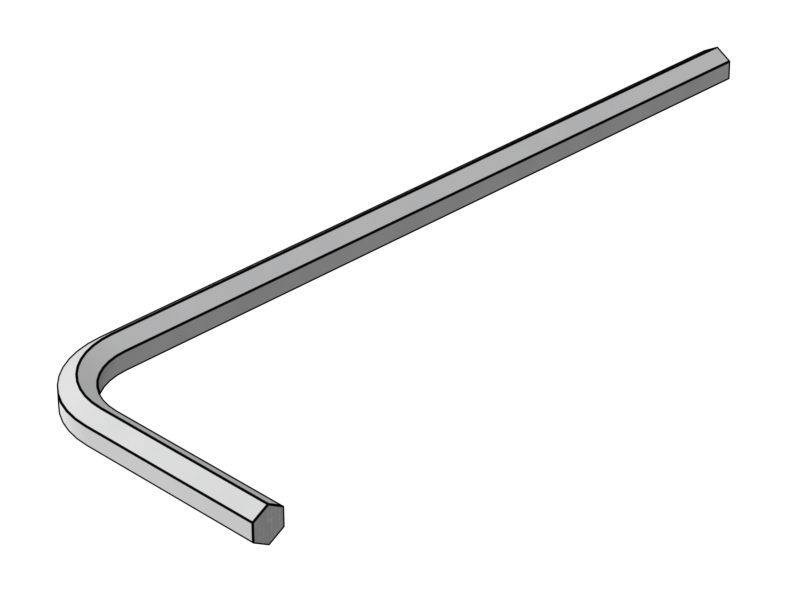
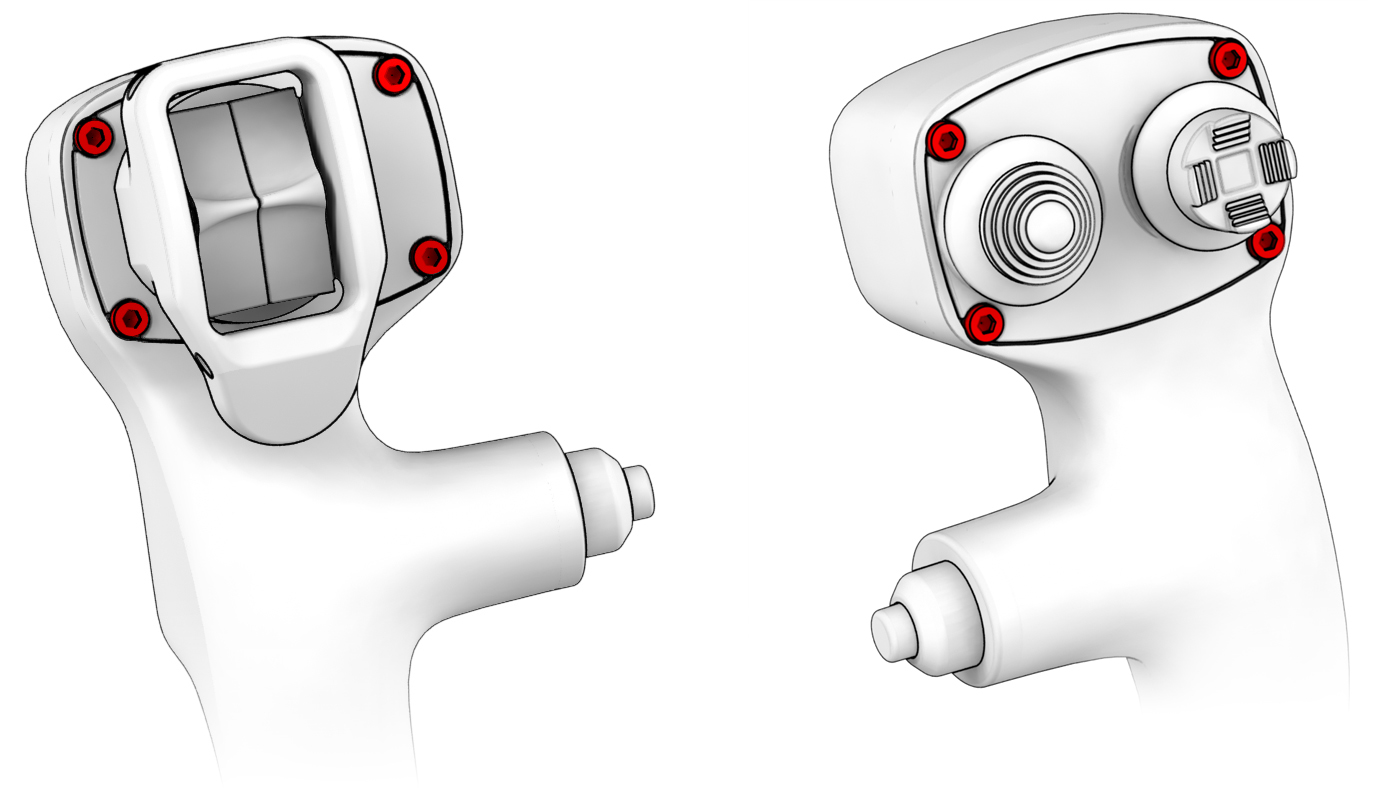
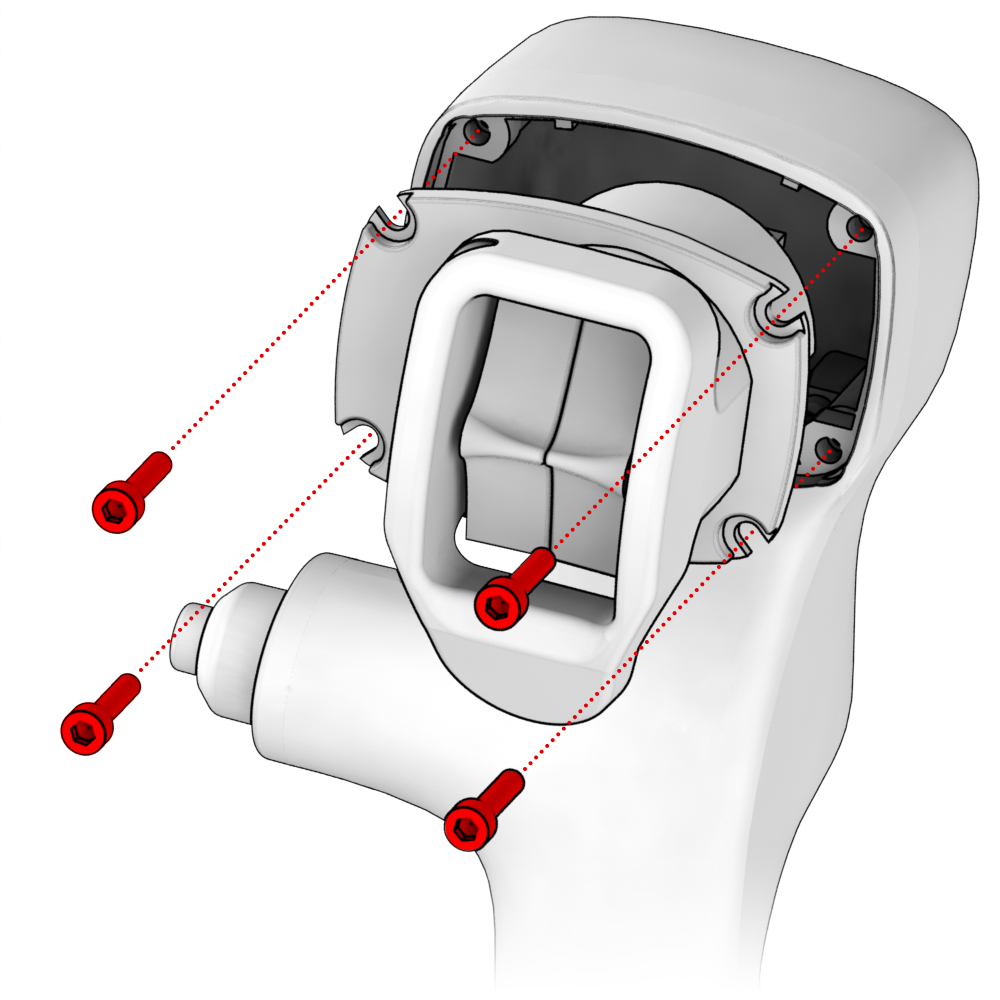
1. Unscrew the highlighted screws using H2.5 hex key. (Not included).
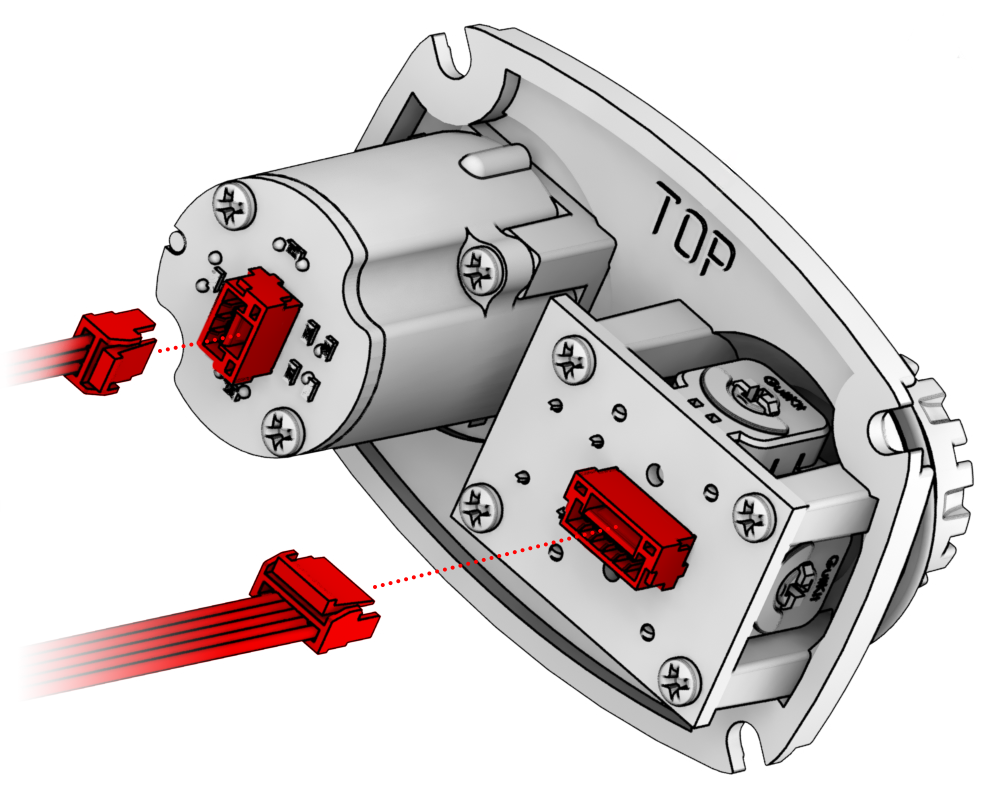
2. Carefully disconnect the connectors and connect the desired module.
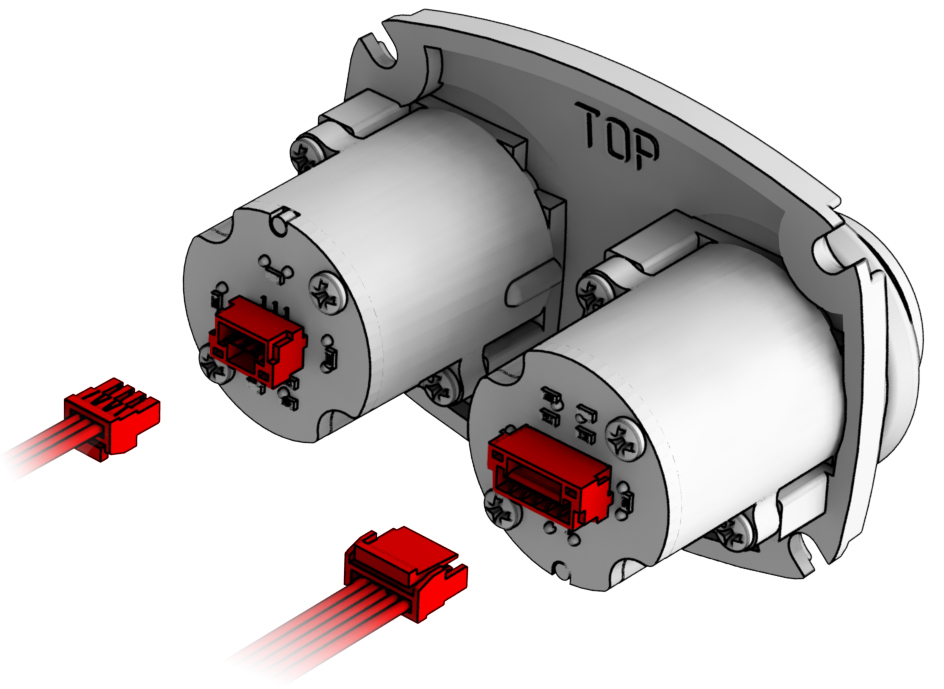
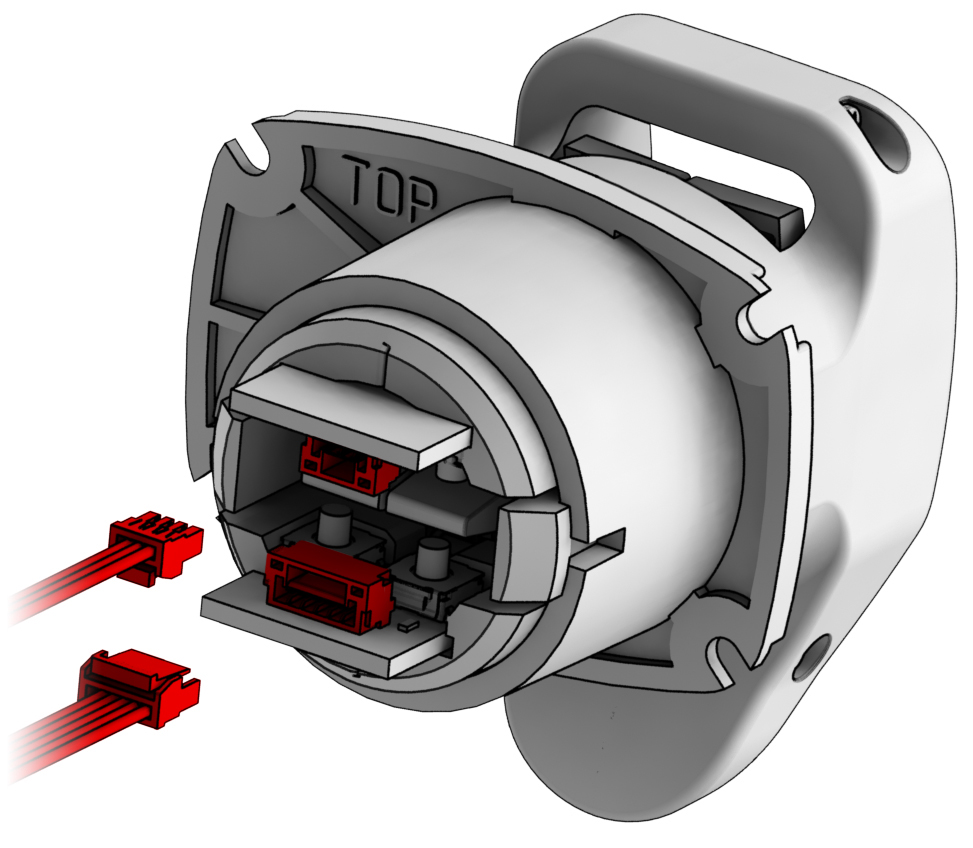
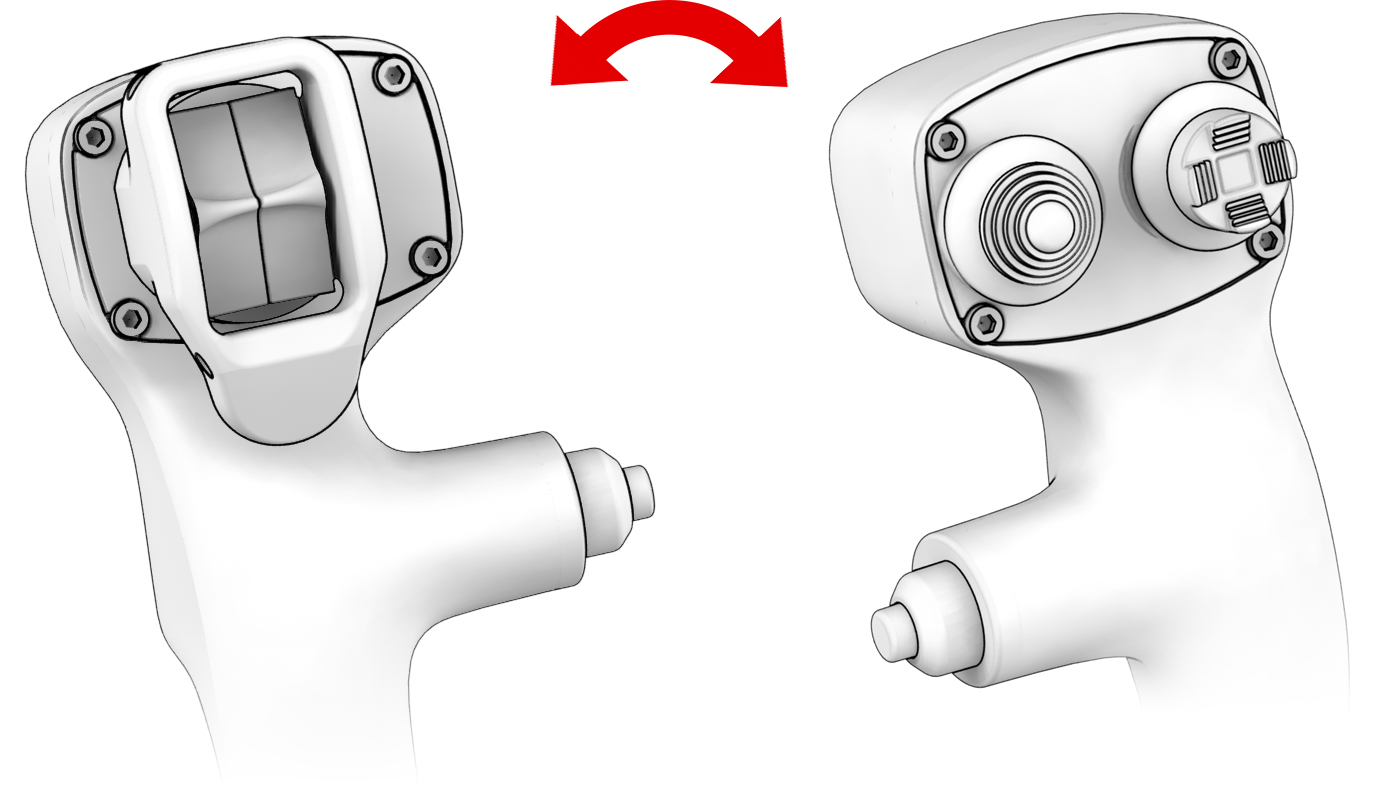
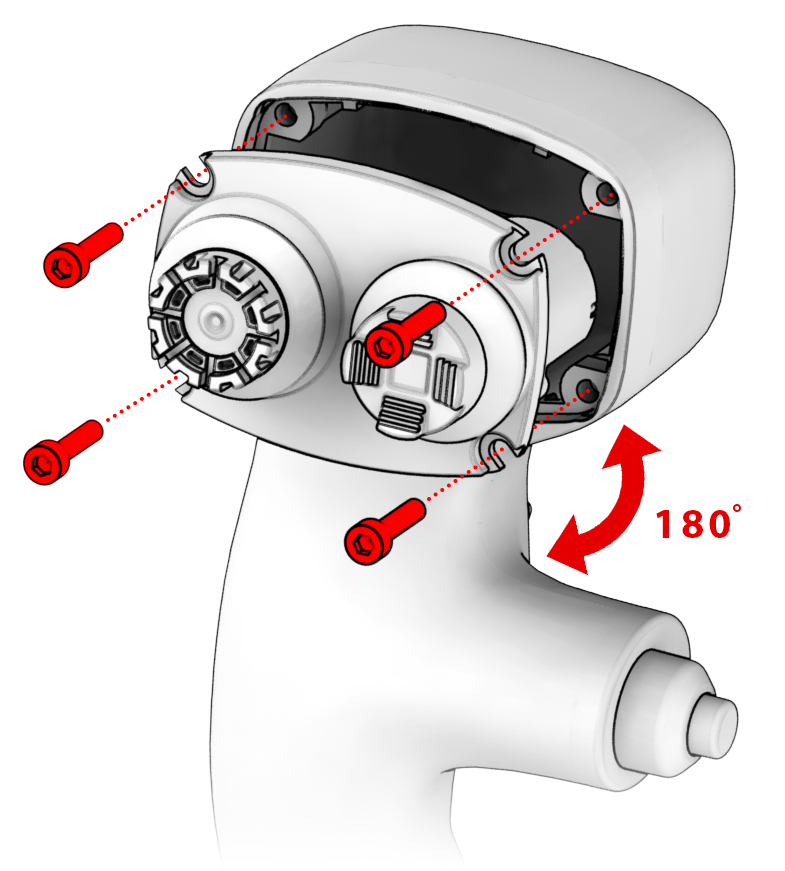
3. Press on the highlighted elements, slightly pull out the trimmer module, and rotate the panel 180 degrees.
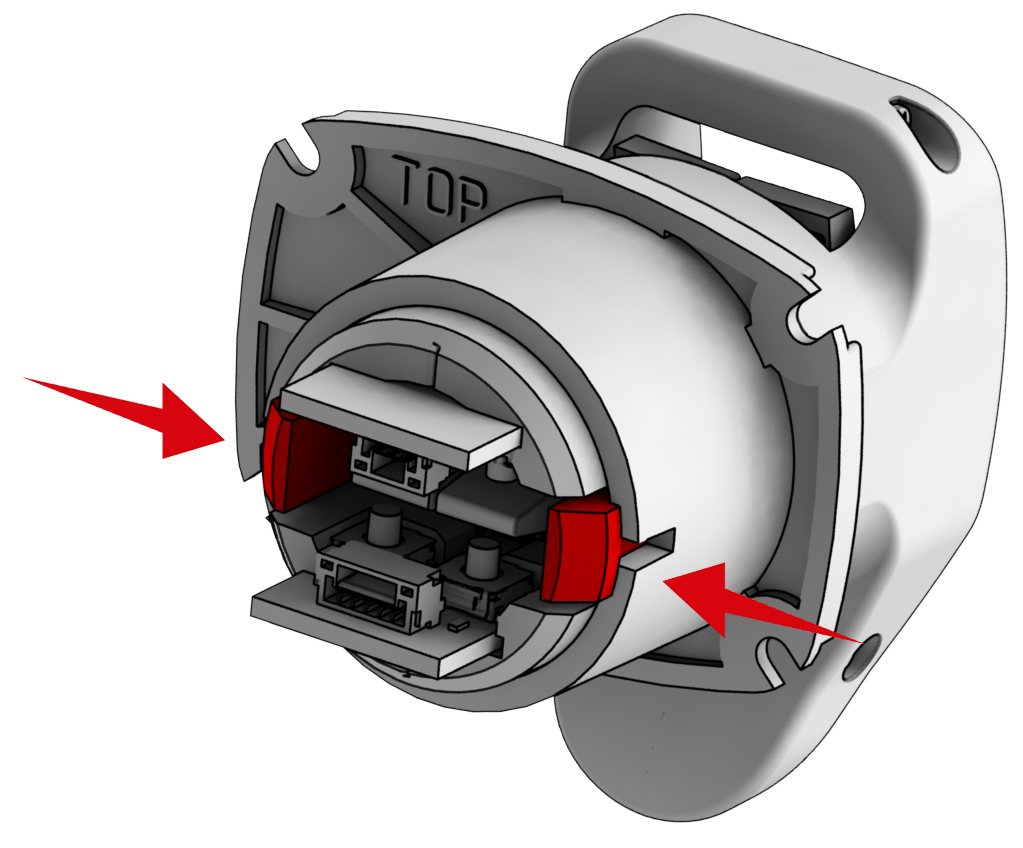
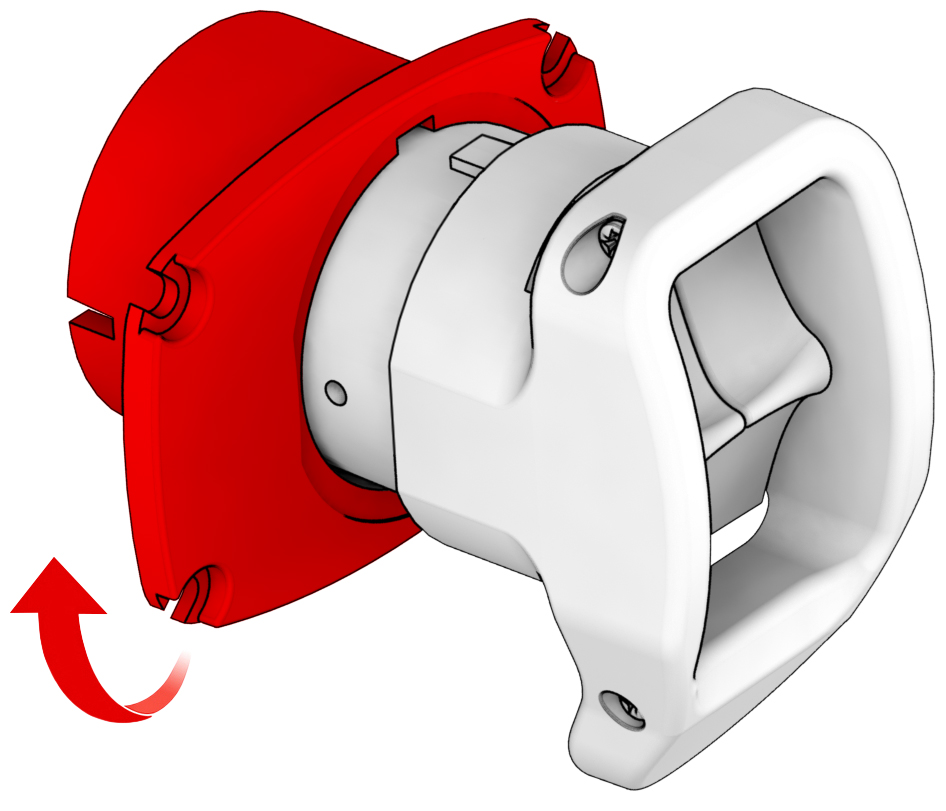
4. Install the module in the desired position and secure it with the same screws.
Troubleshooting
Please visit the VIRPIL Controls support portal for troubleshooting advice. If you are still experiencing issues or unable to find answers to your specific question, please create a ticket on our support portal!
Was this article helpful?
That’s Great!
Thank you for your feedback
Sorry! We couldn't be helpful
Thank you for your feedback
Feedback sent
We appreciate your effort and will try to fix the article