What's in the Box:
- 1 x Bracket
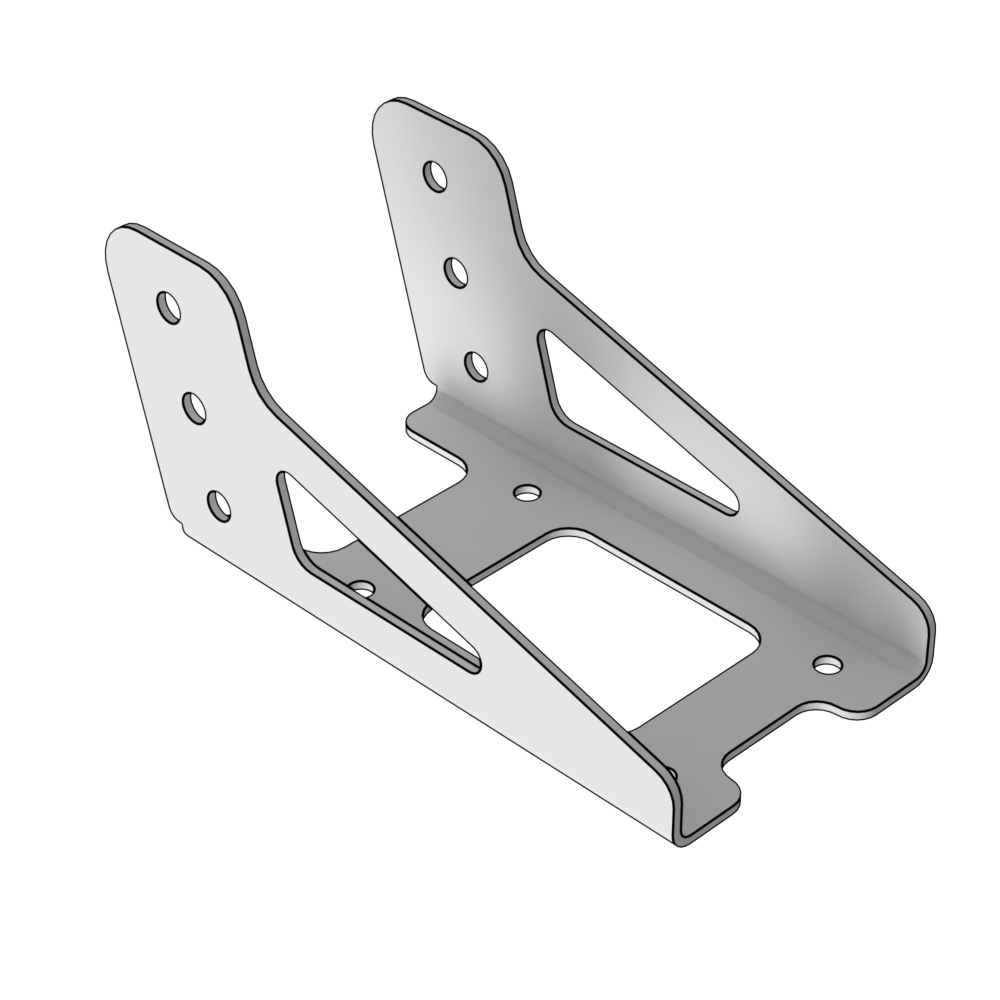
- 1 x Bracket Plate

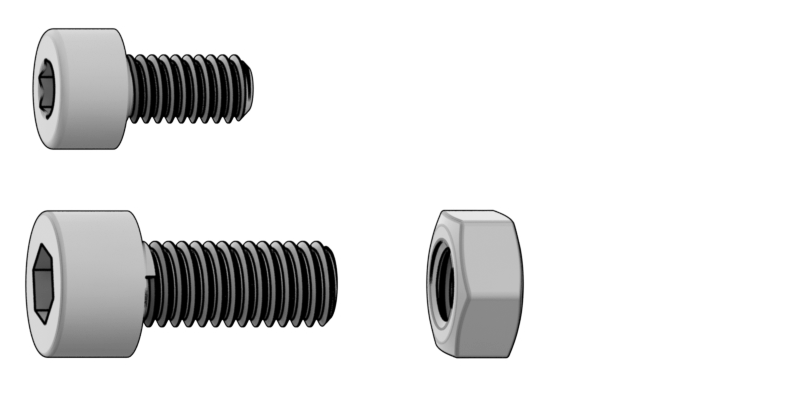
- 4 x Bolt M4x8
- 4 x Bolt M5x12
- 4 x Nut M5
Installing on VPC Desk Mount V4
Tools required:
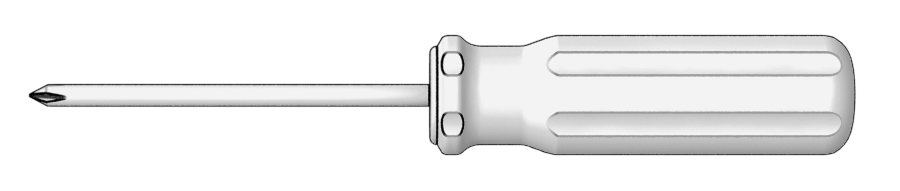
- Phillips Screwdriver (NOT INCLUDED)
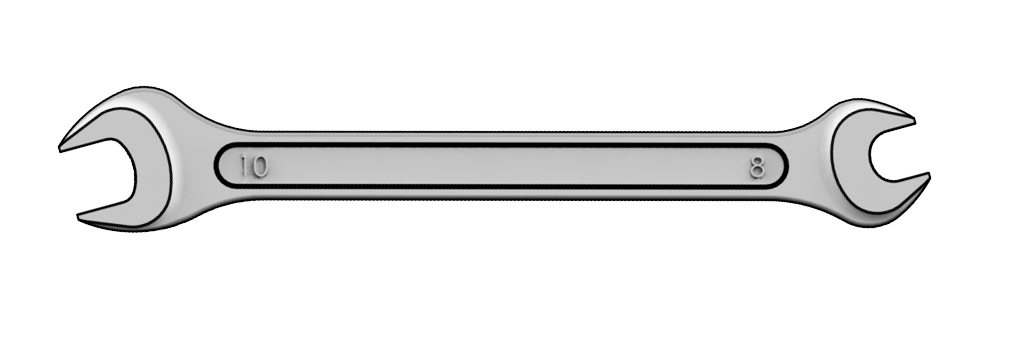
- 10 mm Wrench (NOT INCLUDED)
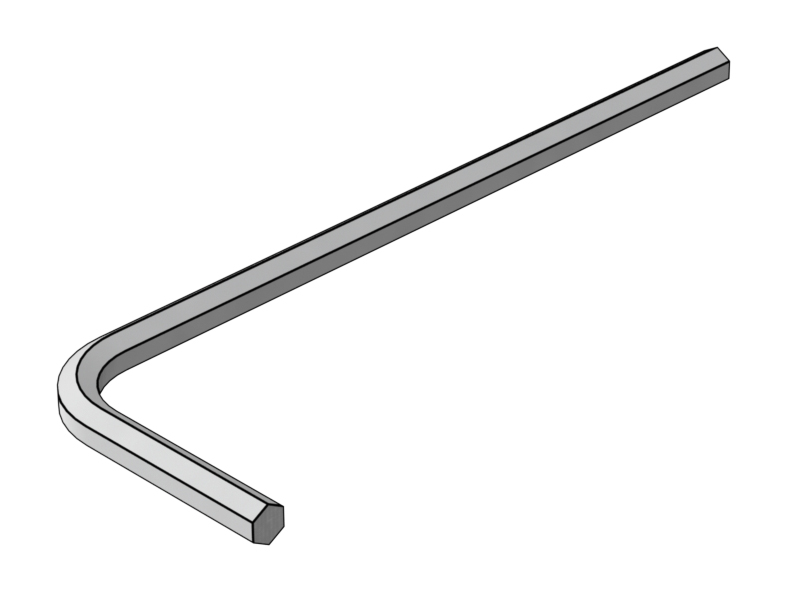
- H3 Hex Key (NOT INCLUDED)
- H5 Hex Key (NOT INCLUDED)
1. Remove the base plate by unscrewing the 4 screws using a Phillips screwdriver.
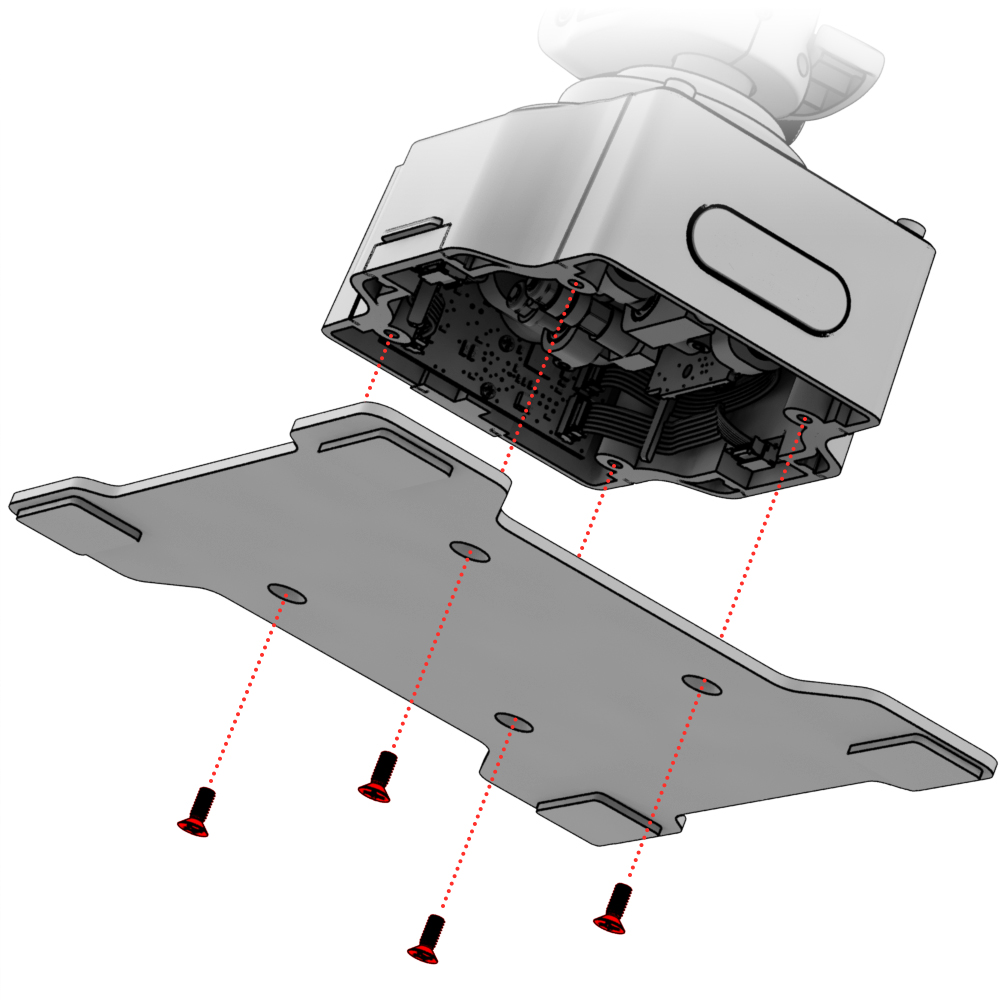
2. Install the base on the bracket plate and secure it with the screws that come with Desk Mount Adapter - CDT-AEROMAX Flightstick.
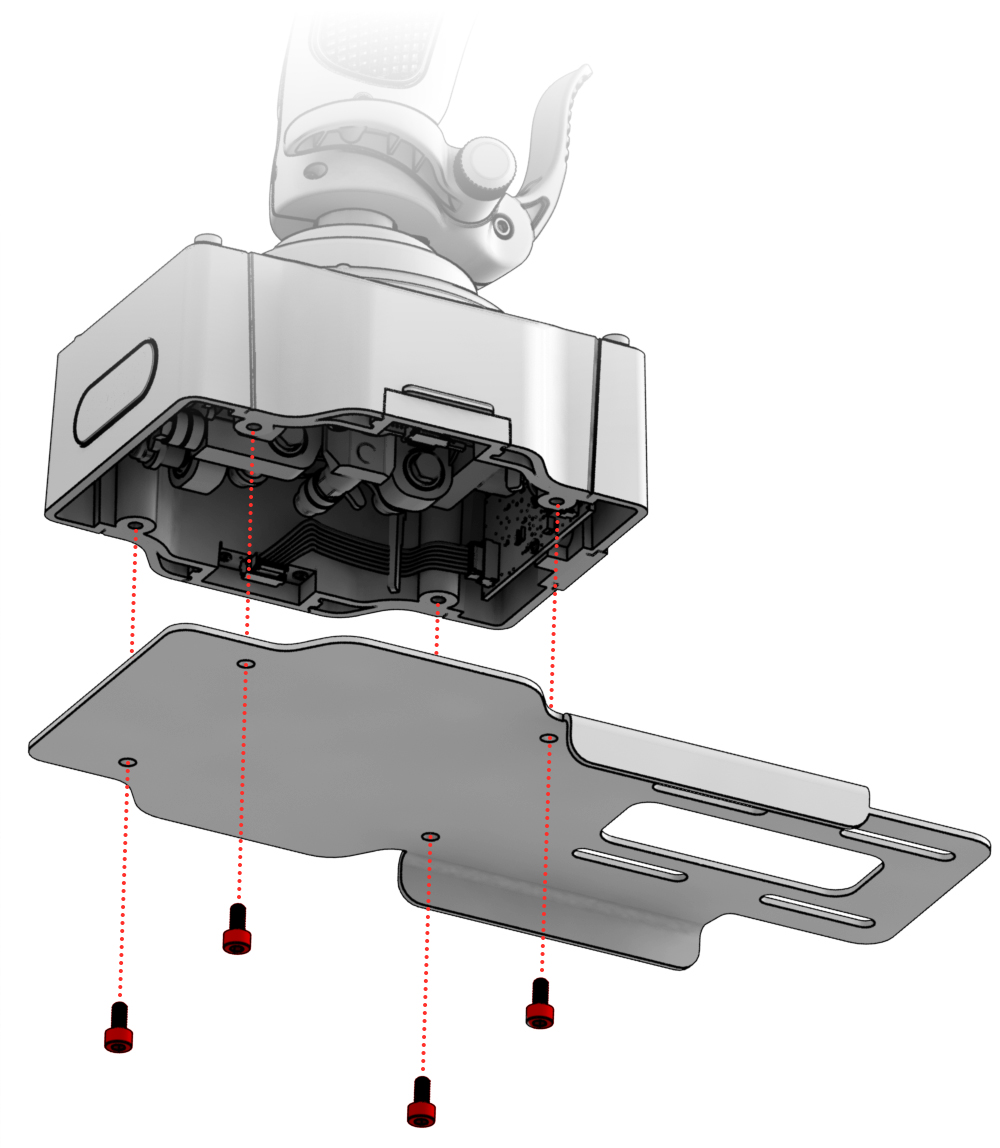
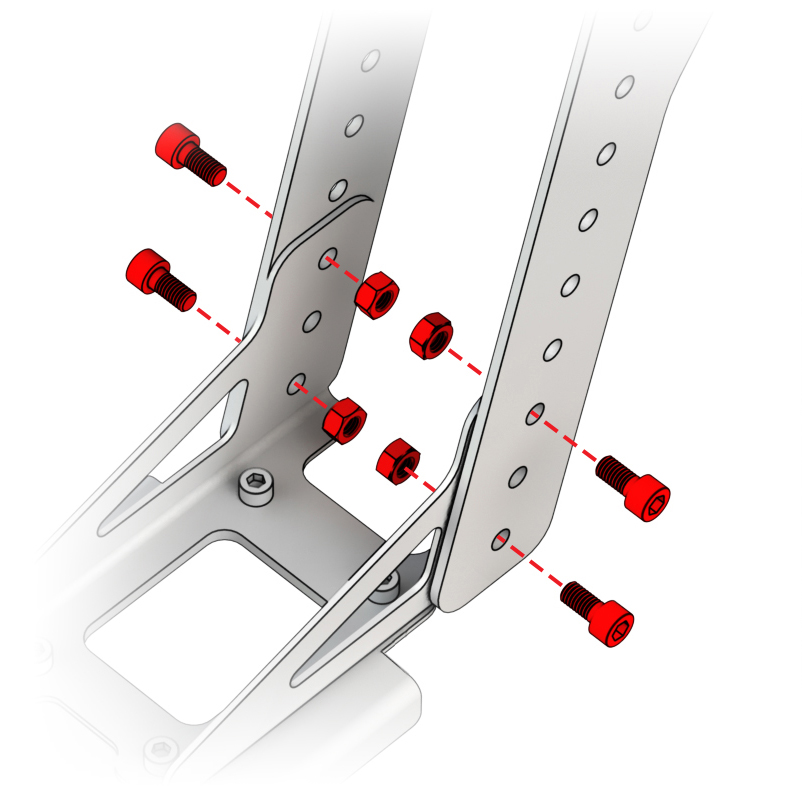
3. Attach the bracket to the plate using the M5x12 bolts and nuts.
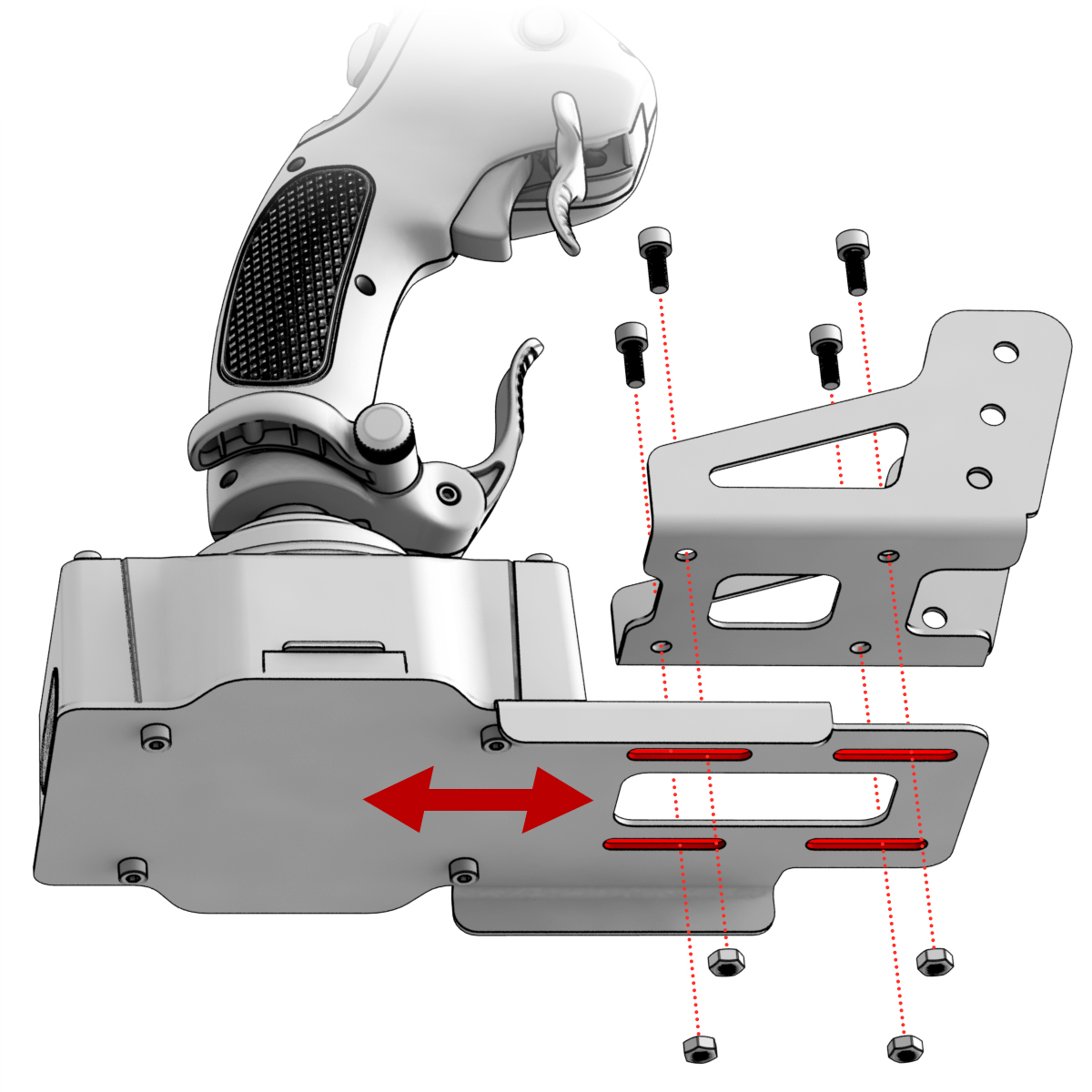
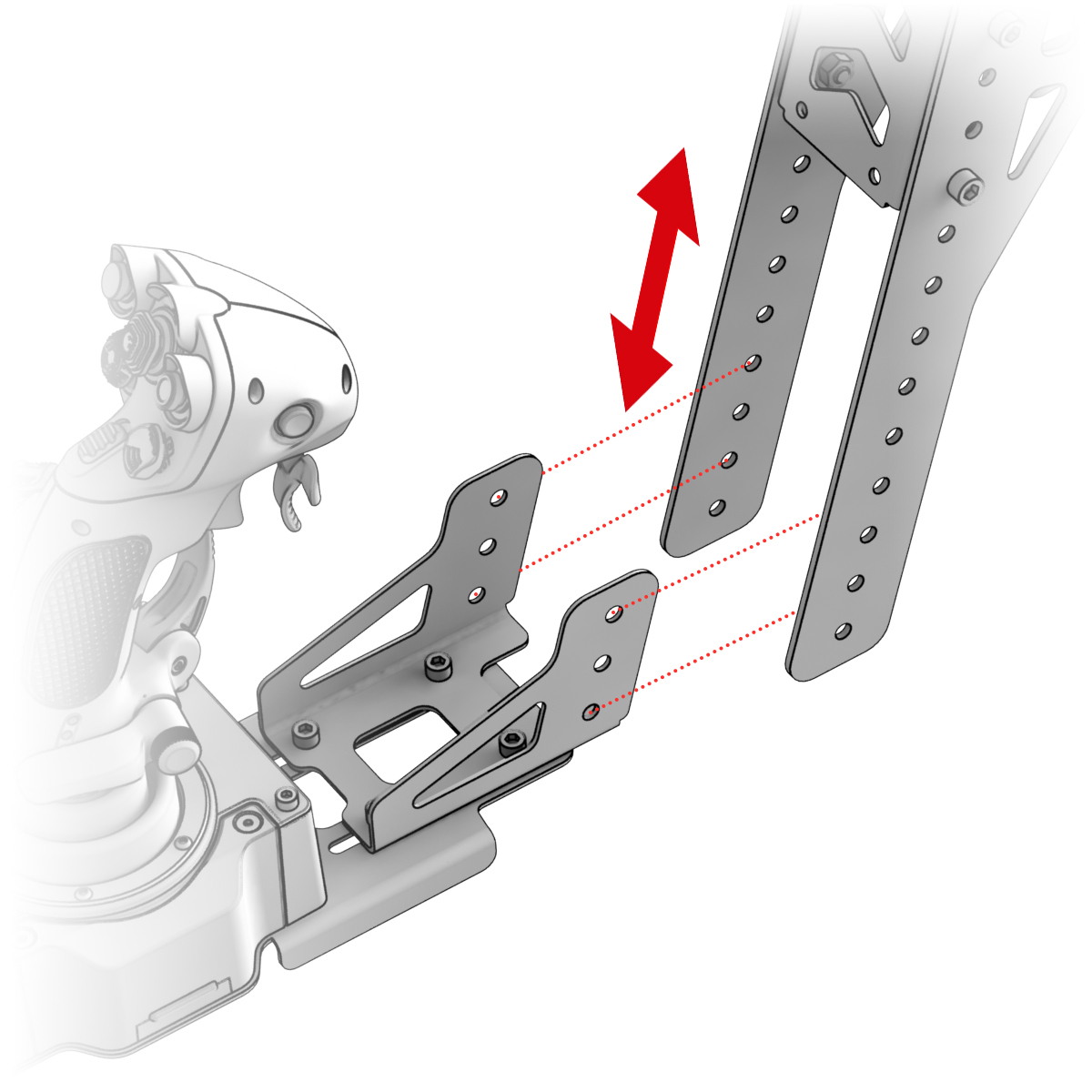
4. Place the adapter in the VPC Desk Mount to your desired height and secure.
Troubleshooting
Please visit the VIRPIL Controls support portal for troubleshooting advice. If you are still experiencing issues or unable to find answers to your specific question, please create a ticket on our support portal!
Was this article helpful?
That’s Great!
Thank you for your feedback
Sorry! We couldn't be helpful
Thank you for your feedback
Feedback sent
We appreciate your effort and will try to fix the article